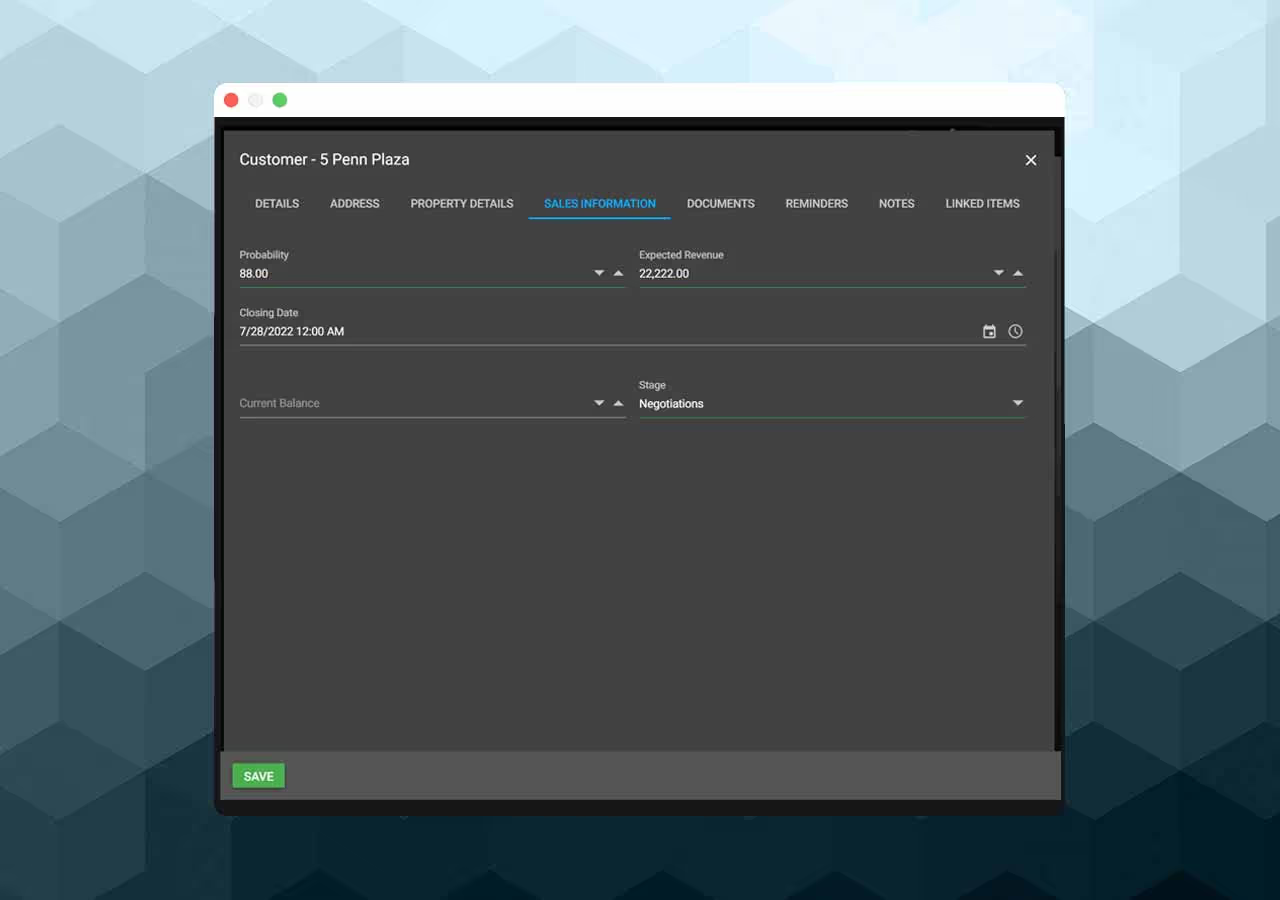
Keep customer profiles, contacts, sites, addresses, projects, estimates, quotes, invoices, documents, notes, and history connected in CountBricks. Create or review customer and contact details from web or mobile, associate work with the correct site or project, and see related estimating and billing records without searching across separate files.
Use customer, contact, site, and project records as the starting point for estimates, proposals, invoices, reminders, documents, and quote requests. Review statuses and activity in the workflow that owns them, record notes and files with the account, and use existing project history when preparing follow-up work. CountBricks organises business records; it does not guarantee client communication, estimate accuracy, ROI, or project profitability.
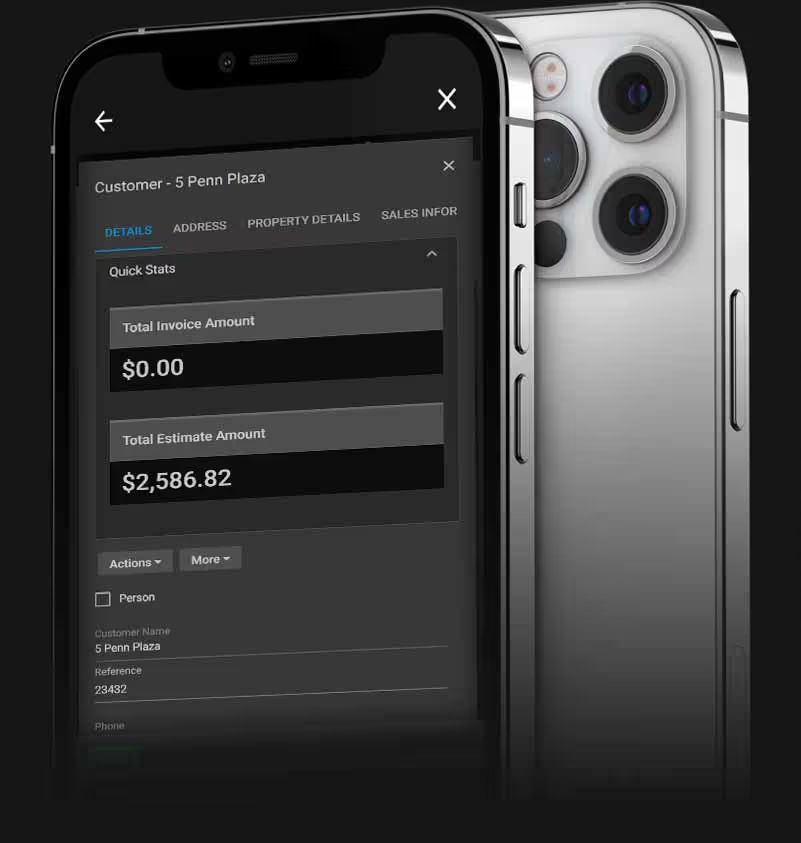
Review customer, contact, site, and project details on web or mobile.
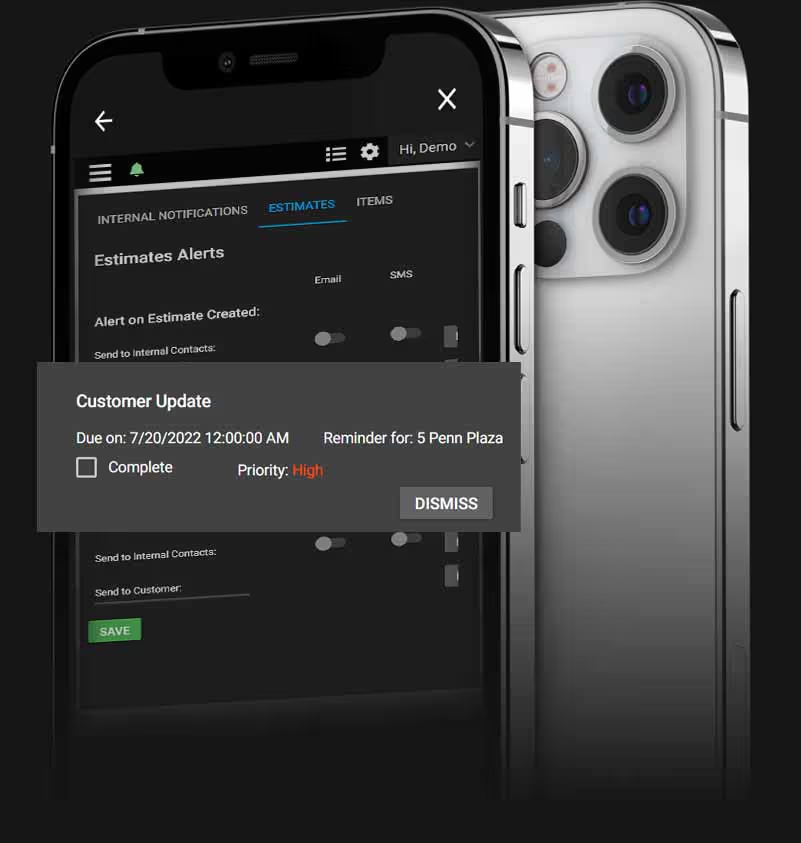
Keep statuses, notes, reminders, and documents with the related record.
Use existing client details when preparing project and sales records.