

“I'm so glad I found CountBricks! Their App made my life so much easier. Estimating jobs was a breeze - it cut my time in half! It gave my business a real boost and my customers can't get enough of the app. I'm excited to see what the future holds with the CountBricks Pro!”
“The solution to my problems! After trying many invoice apps, I finally came across this one after a friend of mine recommended it to me. It makes jobs flow easier because of its simplicity and great design. I would recommend this app to every contractor for any trade!"
For handyman businesses, maintenance teams, property managers, and small contractors, CountBricks combines job details, photos, measurements, itemized labour and material estimates, client documents, scheduling, and invoicing in one workflow. Build scopes for drywall repairs, faucet and fixture replacements, outlets and lighting, doors and hardware, painting, flooring, carpentry, punch lists, rental turns, and multi-day renovations; organise tasks into estimate categories or bundles; apply minimum charges, trip fees, quantities, labour, material costs, tax, markup, and options; then review the estimate before sending a quote or proposal. Keep approvals, scheduled work, actual quantities and costs, change orders, invoices, and project records with the job.
See full pricingFor handyman businesses handling repairs, maintenance visits, and multi-task work.

For property maintenance, punch lists, rental turns, and recurring service work.
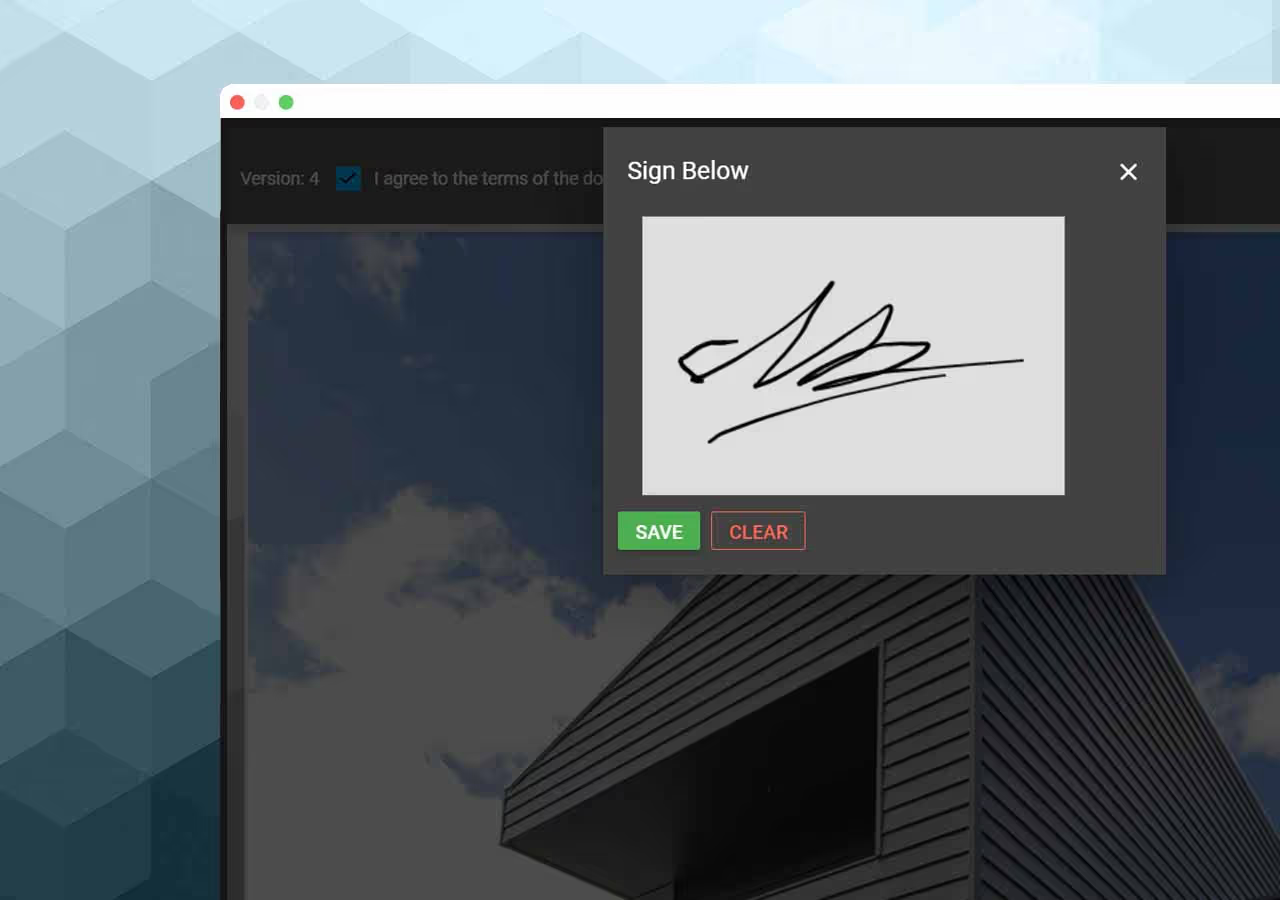
Keep client details, scope, approvals, documents, and billing with the work.