
stars

“Stud counts, joist takeoffs, and sheathing in one pass—our framing bids go out the same day now.”

stars

Finish packages are dialed in: doors, casing, base, crown, and hardware all priced accurately."

Carpentry Takeoff and Estimating Software for Framing & Finishing

For framing contractors, finish carpenters, general contractors, and remodelers, CountBricks brings plan and image takeoffs, item counts, length and area measurements, and itemized labour and material estimating into one workflow. Count studs, joists, rafters, plates, headers, blocking, sheathing, doors, windows, trim, stair parts, cabinetry, and hardware; organise wall, floor, roof, deck, addition, and interior finish scopes into categories or bundles; and record sizes, quantities, labour, material costs, tax, markup, waste, alternates, and supplier choices. Review each line before preparing a branded quote or proposal, then use the same job records for actual quantities and costs, approved change orders, invoices, and project reports.

See full pricing

Plan Takeoffs for Framing and Finish Work

For framing contractors, finish carpenters, general contractors, and remodelers.
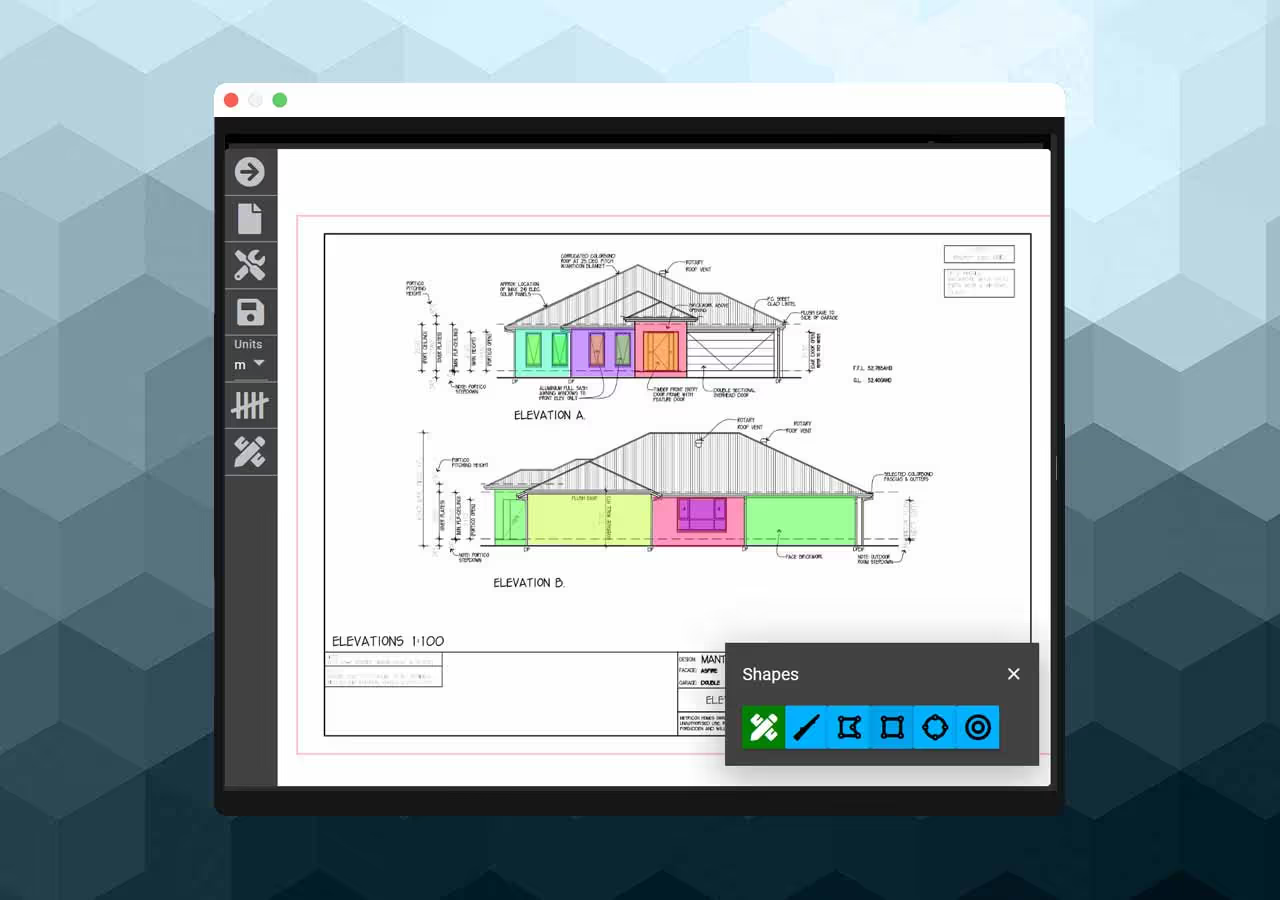
Upload architectural plans or site images, confirm scale, and count or measure walls, floors, roofs, studs, joists, rafters, plates, headers, blocking, subfloor, sheathing, doors, windows, trim, stairs, and hardware. Review linear, area, and count quantities before organising them into framing and finish estimate categories.

Screen showing estimates

Organise Carpentry Quantities and Costs

For new builds, additions, decks, interior work, and light commercial improvements.
Build wall, floor, roof, deck, stair, cabinetry, trim, door, window, and hardware packages as estimate categories or bundles. Apply item sizes, count, length or area quantities, labour, material costs, tax, markup, waste, alternates, and supplier choices; then update the estimate when scope or pricing changes.

A pricing screen

From Carpentry Estimate to Client Document

Keep takeoffs, pricing, documents, and approved changes with the job.

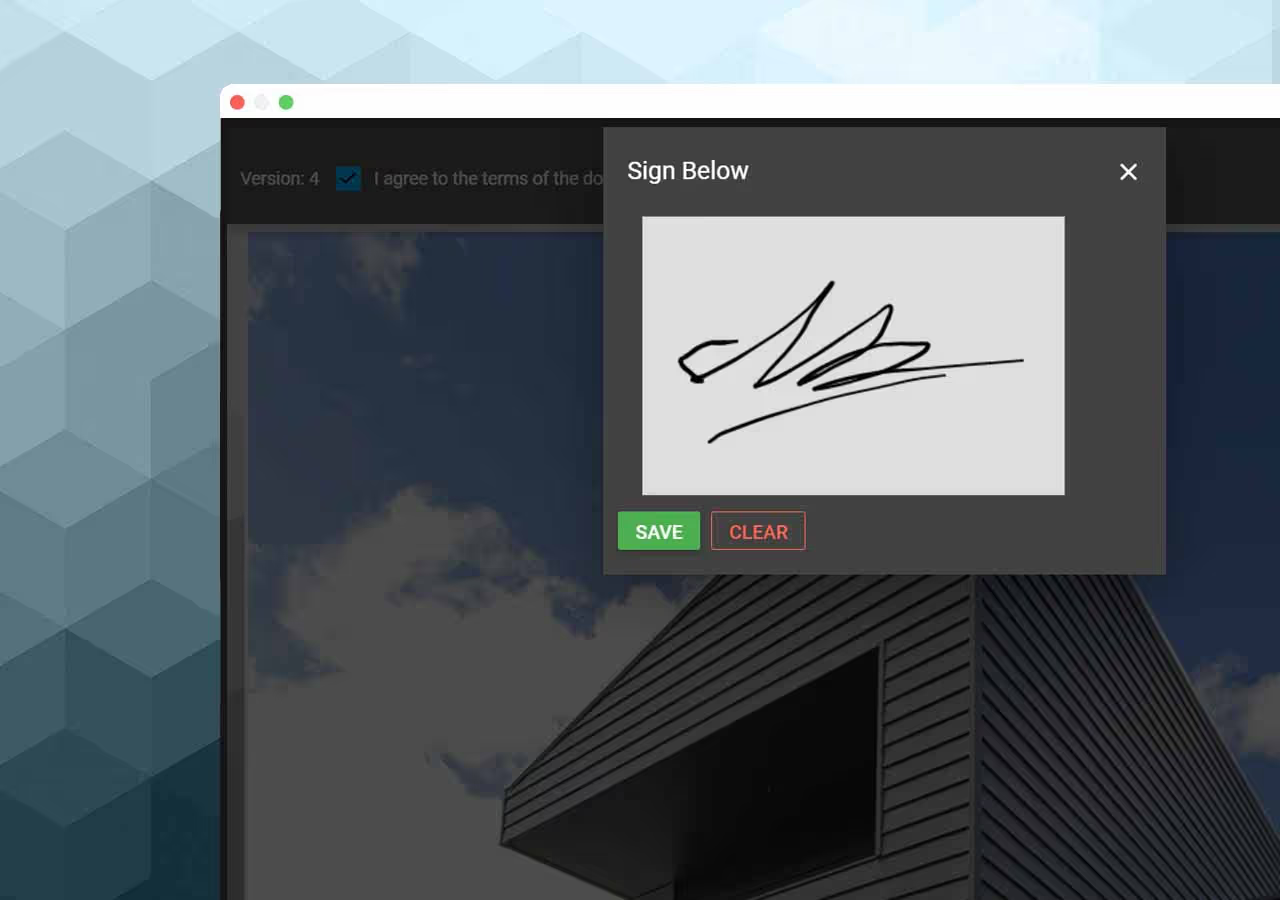
Turn reviewed carpentry quantities and pricing into branded quotes or proposals for client review. Keep plans, images, documents, estimate items, actual quantities and costs, and approved scope changes with the job; create change orders when work changes; and carry the information into invoices and project reports.

Screen showing categories