
“Now we can communicate with all our trades”
“Gives complete clarity on contractor quotes“
“I can find new trades when the ones I normally use are too busy”
Need to request contractor or subcontractor pricing, share scope documents, and keep responses connected to an estimate?
Trade Connect supports quote-request workflows across web and mobile. Create a request from estimate items, select contractors or trade contacts, include scope details, takeoffs, plans, images, and documents, send the package, and track returned responses with the project. Compare contractor prices and notes by requested item, review what is included or excluded, and decide which information to carry forward into estimating, purchasing, or project records. Keep customers, contacts, projects, quote requests, responses, and supporting files together without treating software output as a contractor-selection or pricing guarantee.
Build RFQ packages from estimate items and project scope.
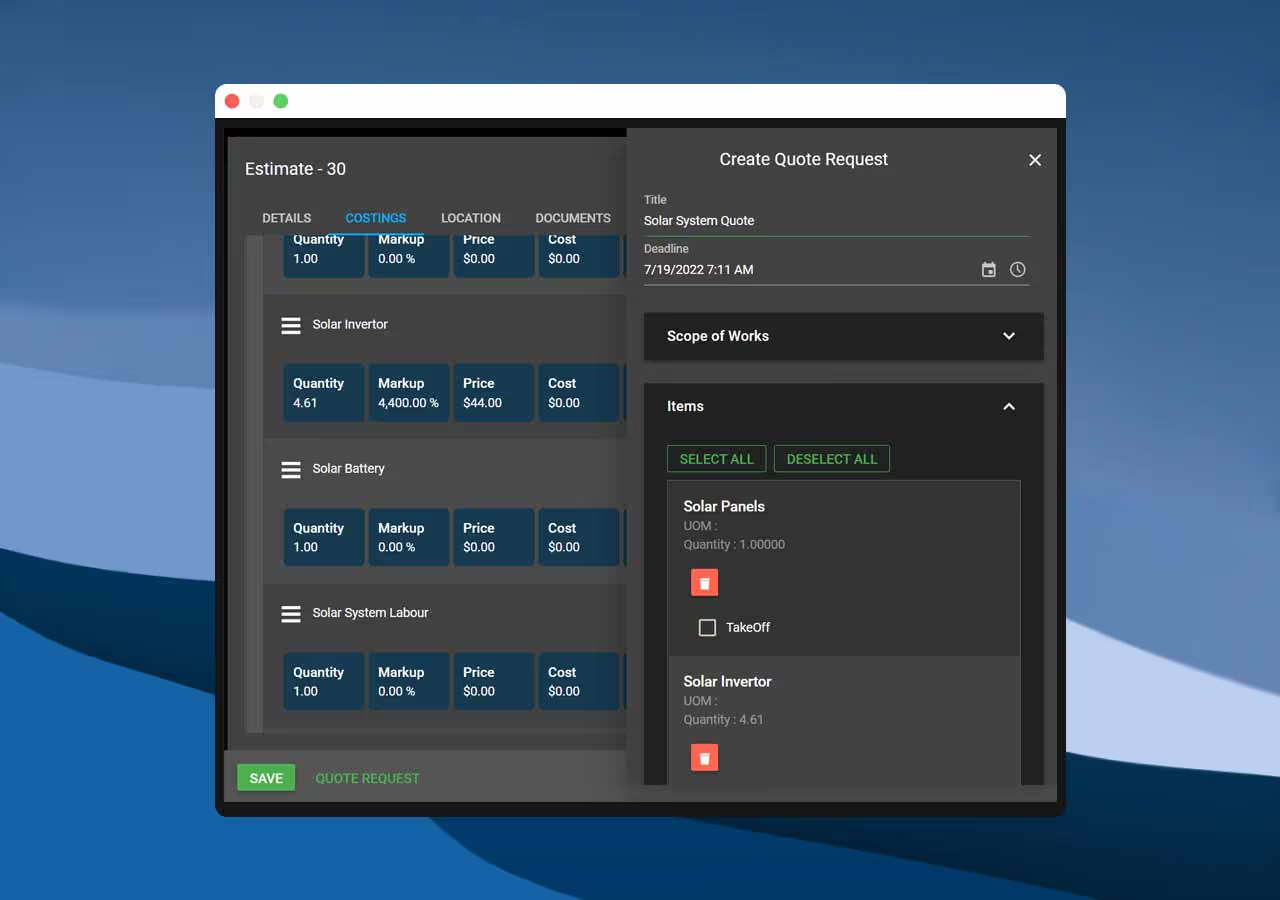
Review contractor pricing, notes, and scope against the request.

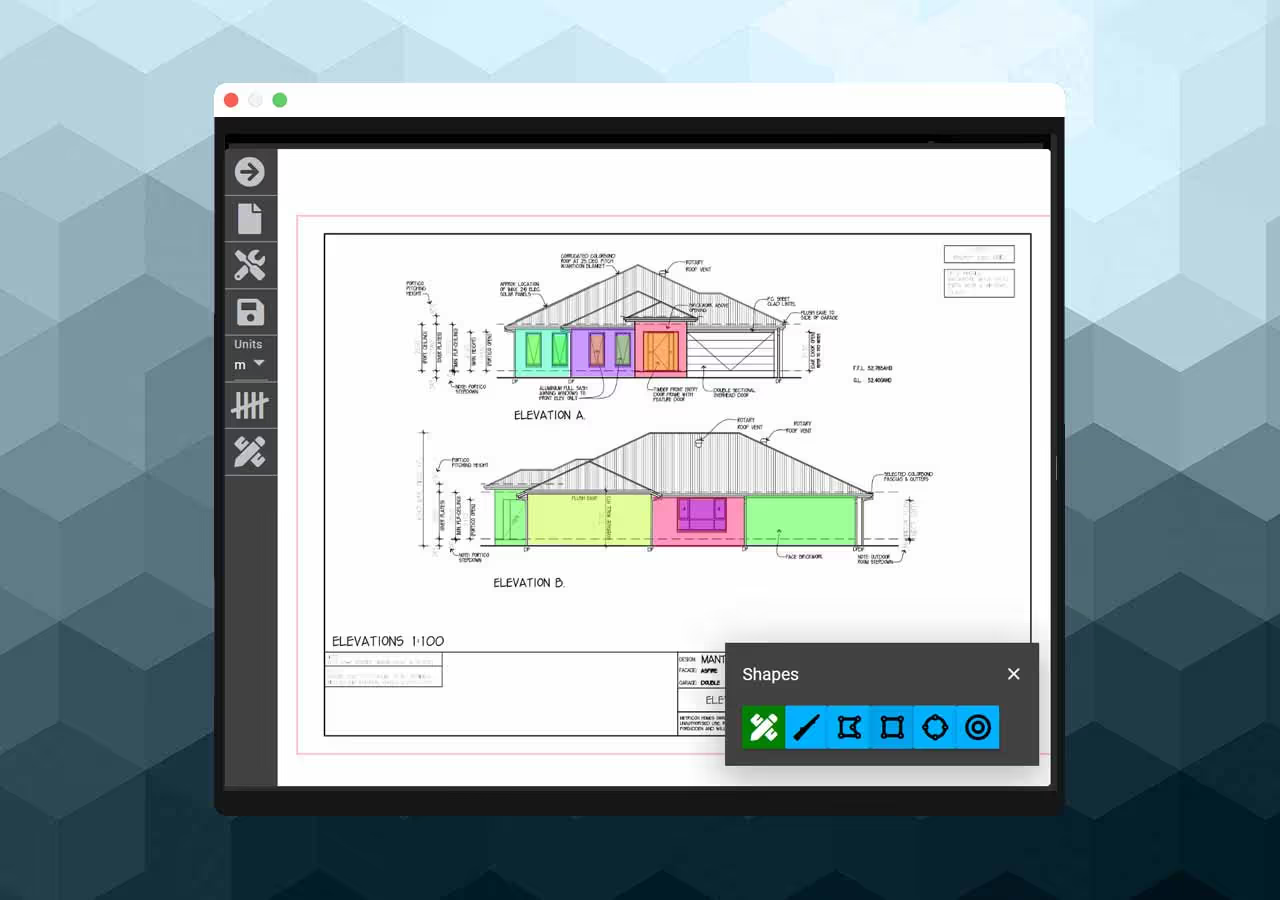
Send takeoffs, plans, images, and supporting files with the request.