
Construction Invoicing, Change Orders, and Payment Tracking

Need to turn reviewed estimate or job records into itemized invoices, manage scope changes, and keep payment information with the project?

CountBricks connects estimates, orders, invoice items, customer and project details, change orders, documents, and received payments across web and mobile workflows. Prepare invoice line items for labour, materials, quantities, tax, markup, discounts, payment terms, and approved changes; review totals and customer details; then generate branded invoice documents for email, printing, or project records. Track invoice status and recorded payments in the relevant billing workflow, compare estimated and actual information where available, and keep revisions or related change orders with the job. CountBricks organises invoicing records; it does not guarantee client approval, signature timing, payment timing, or cash-flow outcomes.

See full pricing

Design Branded Invoice Documents

Use customer, project, line-item, tax, and payment-term information.
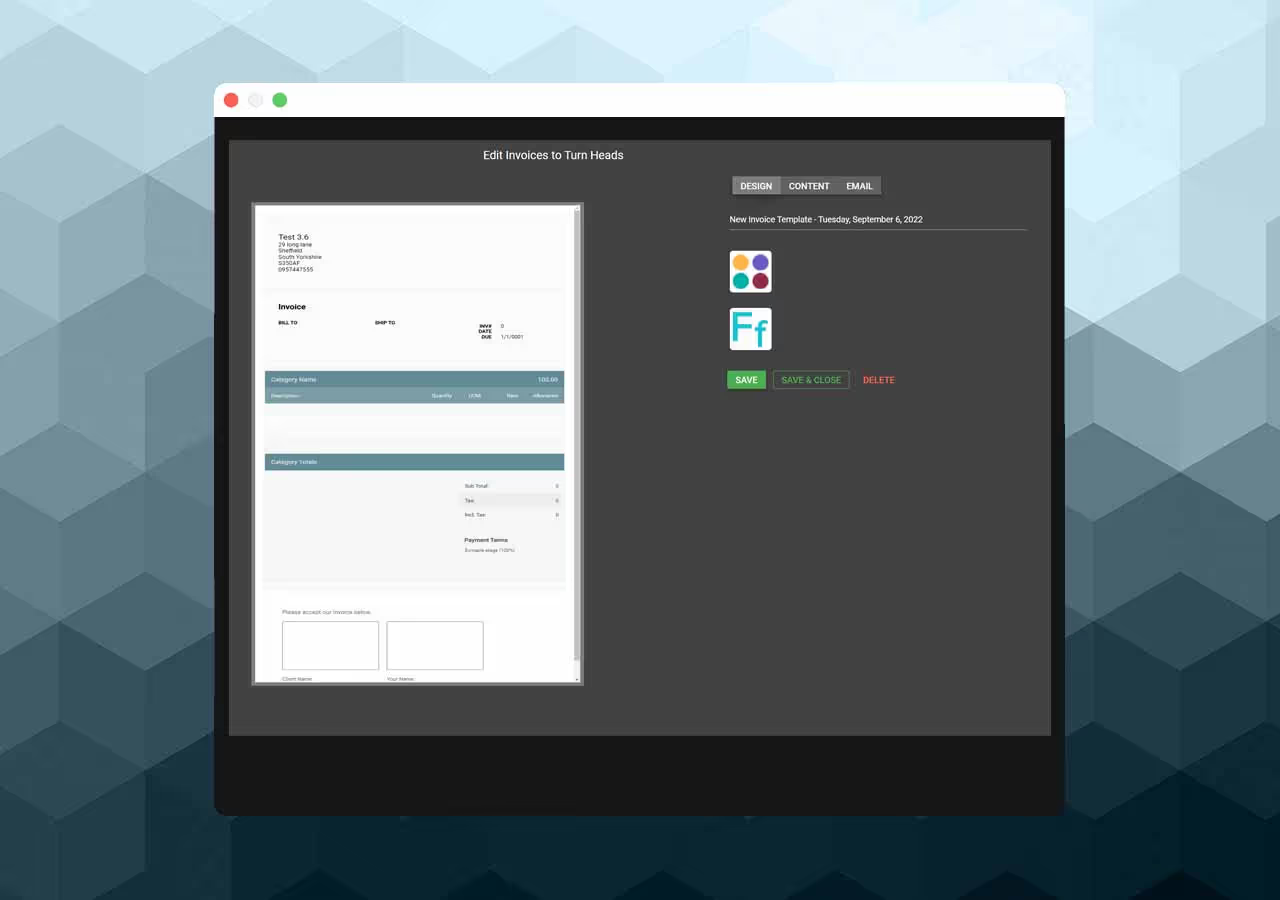
Start from reviewed estimate, order, or job billing records and prepare itemized labour, material, quantity, tax, markup, discount, and payment-term information.

Use the invoice and document workflows to apply company branding, review customer and project details, and prepare PDF, print, email, or stored document outputs.

Invoice design

Track Change Orders with Billing

Keep approved scope and pricing changes connected to the project.
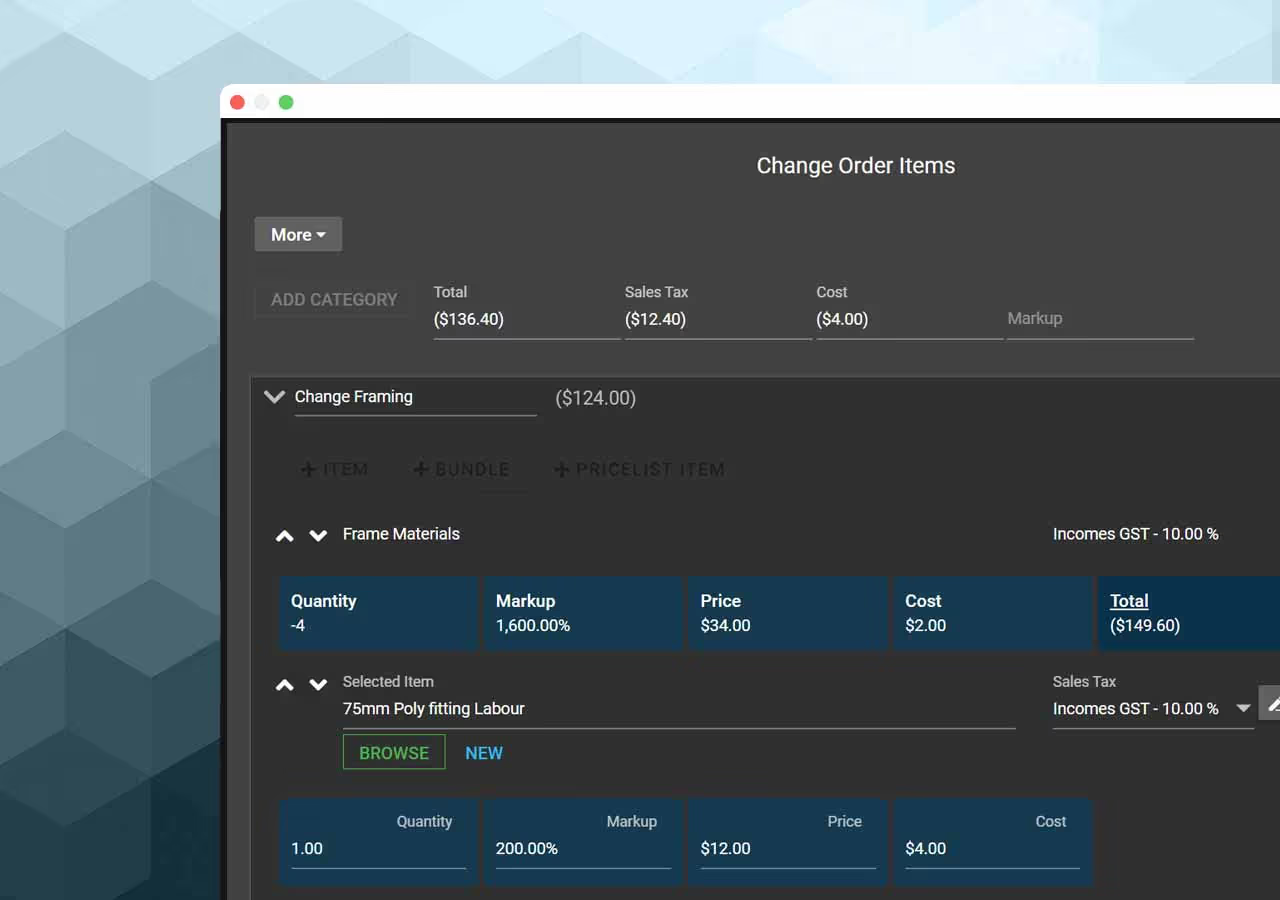
Create and update change-order records when project scope, quantities, pricing, tax, or terms change.

Review approvals and statuses in the owning workflow, keep supporting documents with the job, and use accepted change information when preparing related invoice items or project records.

Change orders

Share and Track Invoices

Keep invoice versions, statuses, customer records, and payments together.
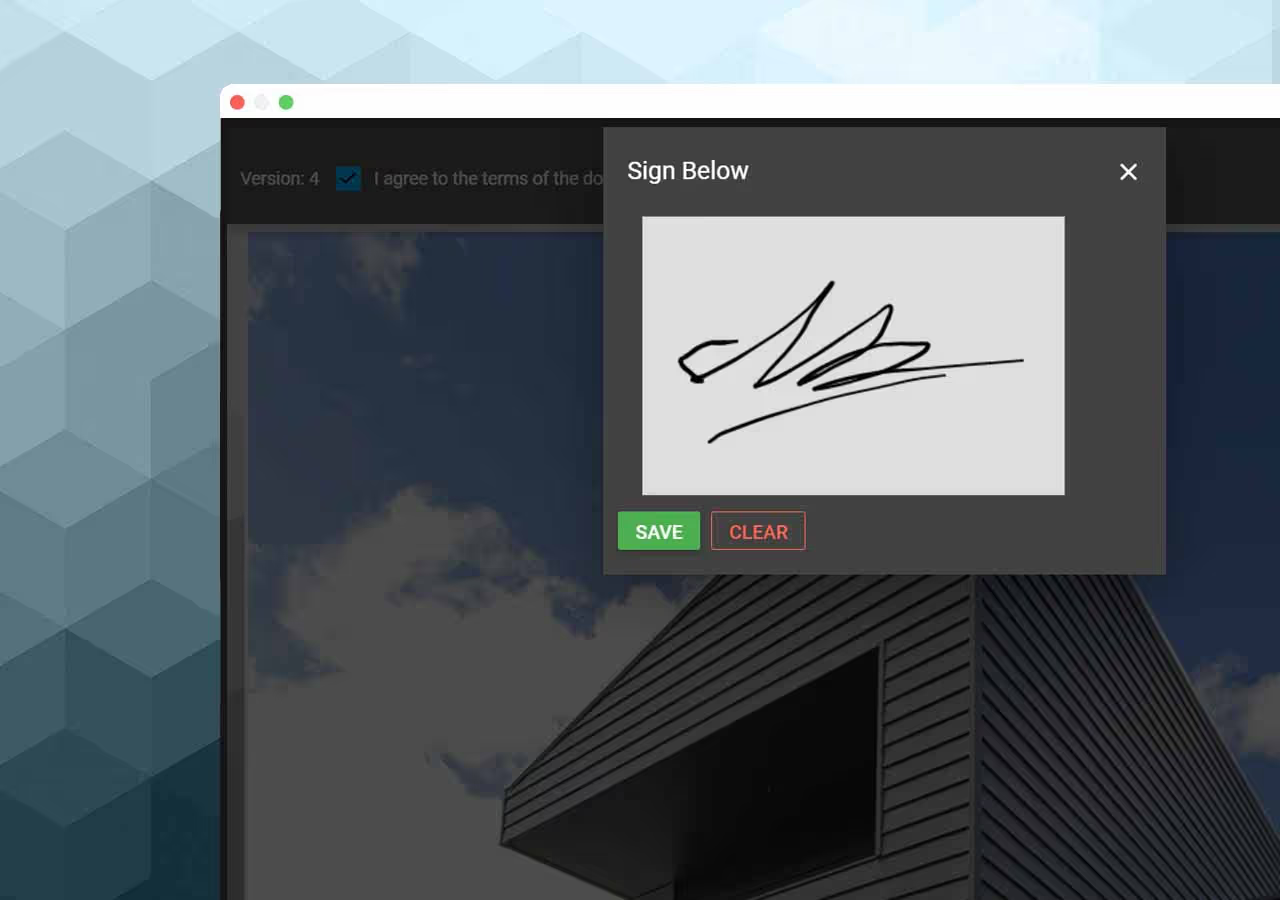
Prepare invoice documents for client review, store related files, track invoice status, and record received payments in CountBricks. Use saved records to review what was billed and paid without claiming that delivery, signature, or payment occurs in real time.

Signed invoice