

“The waste factors and pattern controls keep our LVT and tile orders tight—our bids are consistent and we don’t pad numbers anymore.”
“What used to take a day per plan set now takes under an hour, and quantities match install, so change orders have dropped."
For flooring contractors, retailers, installers, and estimating teams, CountBricks combines plan and image takeoffs, room dimensions, area and length measurements, and itemized labour and material estimates. Measure tile, hardwood, engineered wood, laminate, LVP/LVT, carpet, underlay, trims, transitions, adhesives, mortar, grout, and preparation items; organise rooms, corridors, stairs, and whole-property scopes into categories or bundles; add waste, pack or box quantities, labour, material costs, tax, markup, alternates, and supplier choices; then review each line before preparing a quote or proposal. Use the same job records for actual quantities and costs, approved changes, invoices, and reports.
See full pricingFor flooring contractors, retailers, installers, and estimating teams.
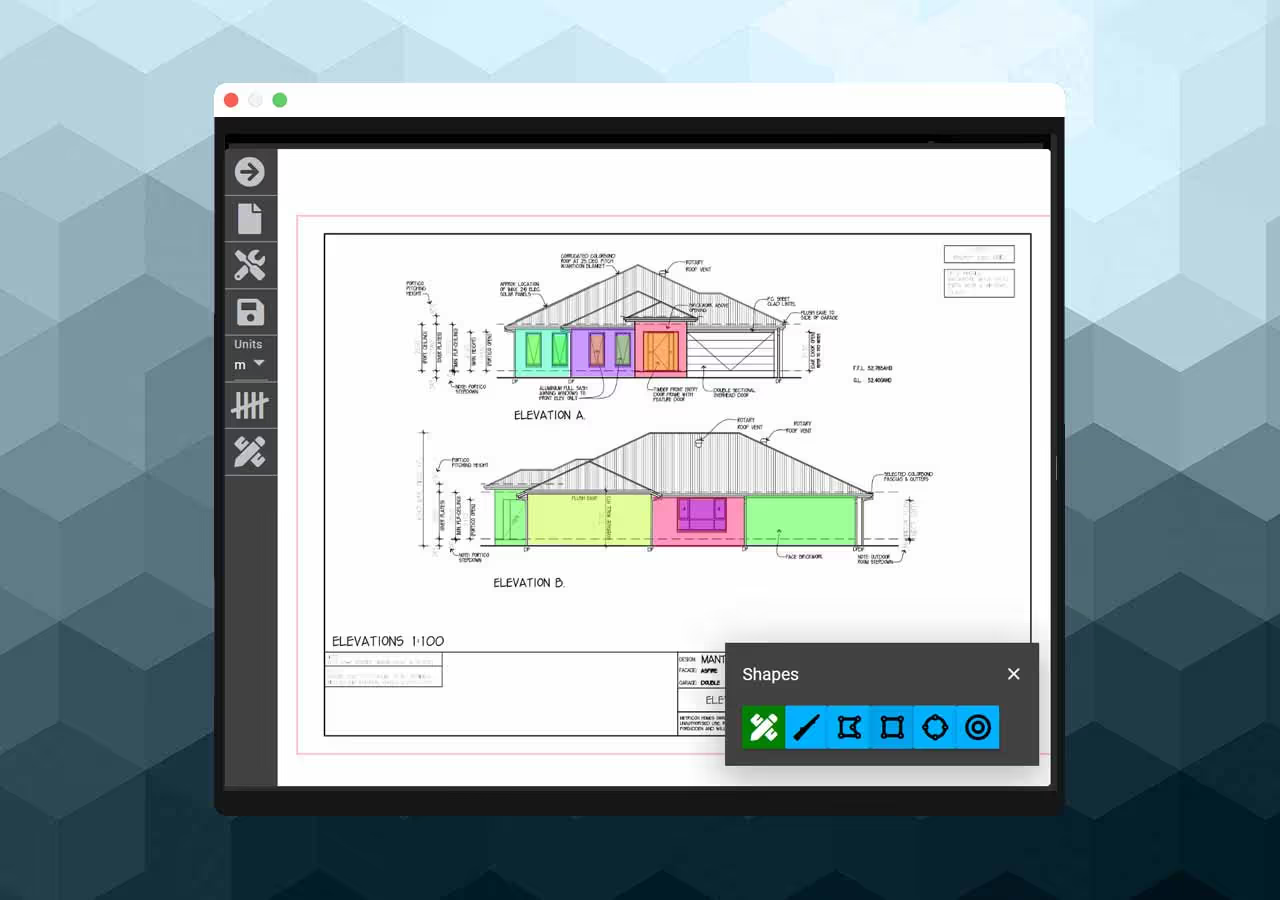
For residential, multifamily, renovation, and light commercial scopes.
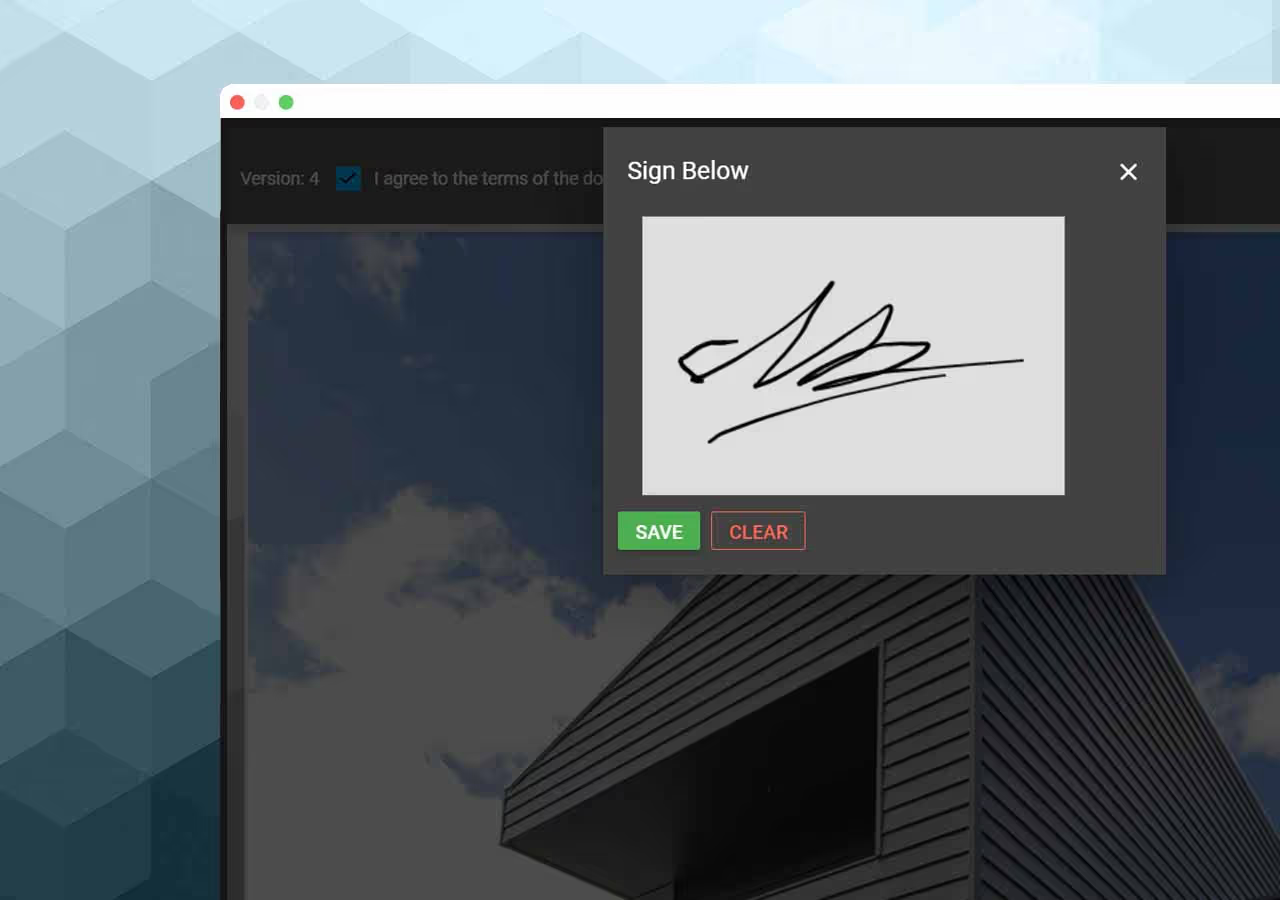
Keep measurements, pricing, documents, and approved changes with the job.