

“We turn full rehab budgets in hours, not days—and every line item ties back to our finish level and allowance templates.”
“Our estimates now align with ARV and lender draws, so we keep contingency intact and profit on target from acquisition to sale."
For residential investors, rehab contractors, and fix-and-flip teams, CountBricks combines property photos or plans, scope-based takeoffs, itemized labour and material budgets, client and project documents, scheduling, and invoicing in one workflow. Organise demolition, framing, roofing, HVAC, plumbing, electrical, kitchens, bathrooms, flooring, paint, landscaping, and exterior work by trade, room, phase, or finish level; record quantities, labour, materials, equipment, allowances, contingency, tax, markup, alternate scopes, and supplier choices; then review each estimate line before preparing project documents. Use the reviewed rehab budget alongside separate acquisition, financing, ARV, and resale analysis before making an offer. Keep actual quantities and costs, approved changes, progress records, invoices, and reports with the project.
See full pricingFor fix-and-flip investors, rehab contractors, and residential renovation teams.
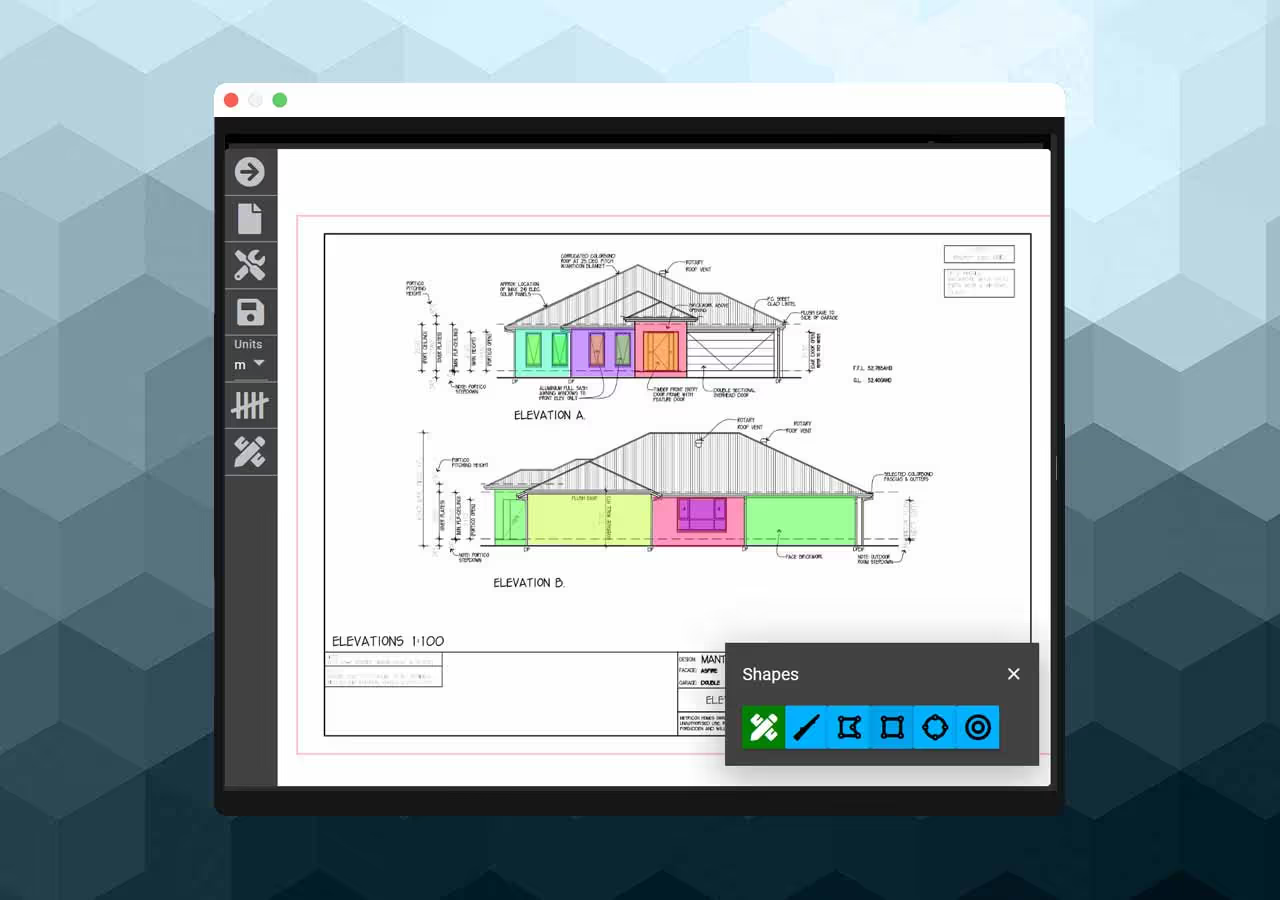
For single-family rehabs, townhomes, rental turns, and small multifamily projects.
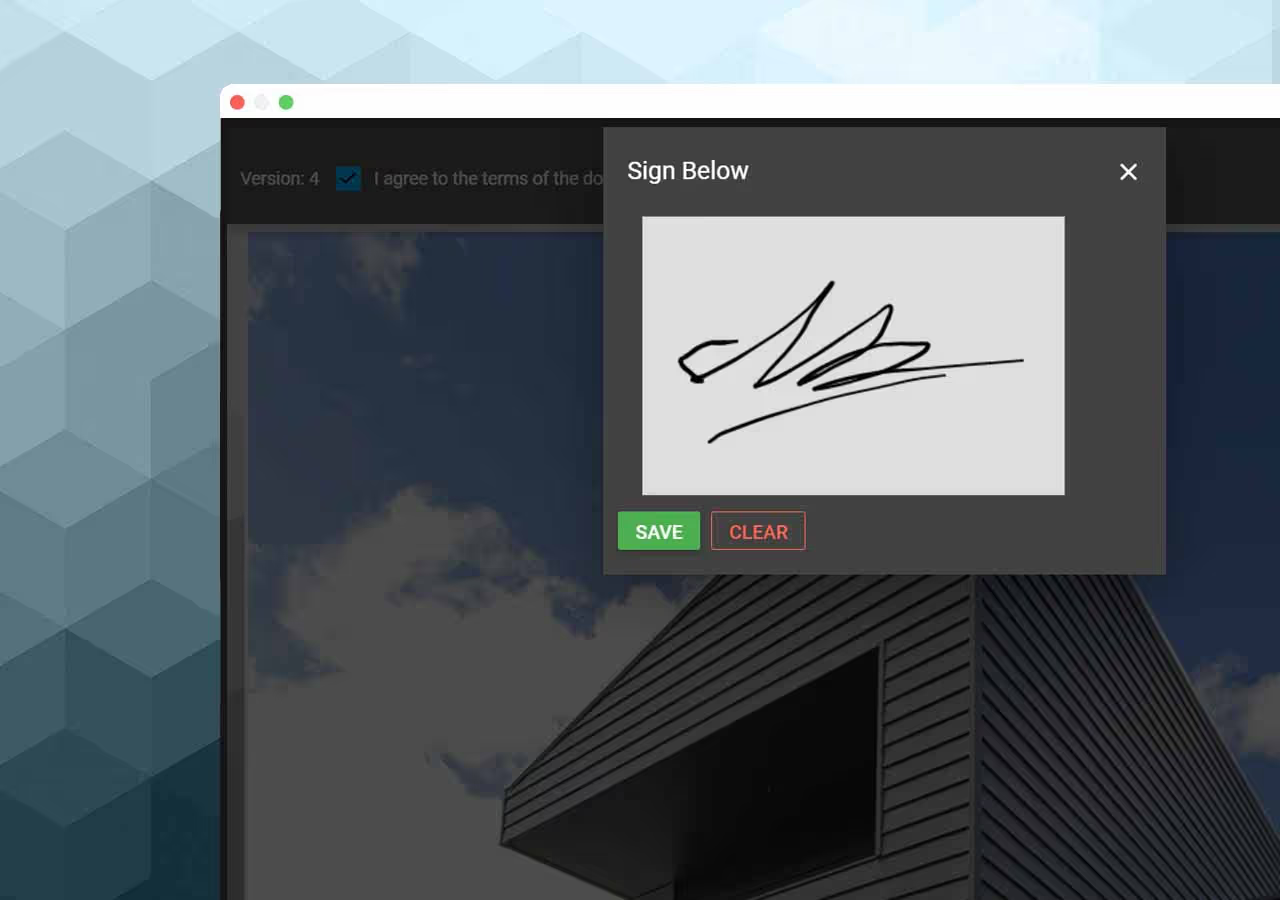
Keep estimates, documents, actuals, approved changes, and billing with the property.