Start a 7-Day Trial of CountBricks AI Estimating

Create and review AI-assisted estimates, work with takeoffs and voice input, and prepare quotes, proposals, or invoices before choosing a paid subscription.

See full pricing


AI-assisted takeoffs


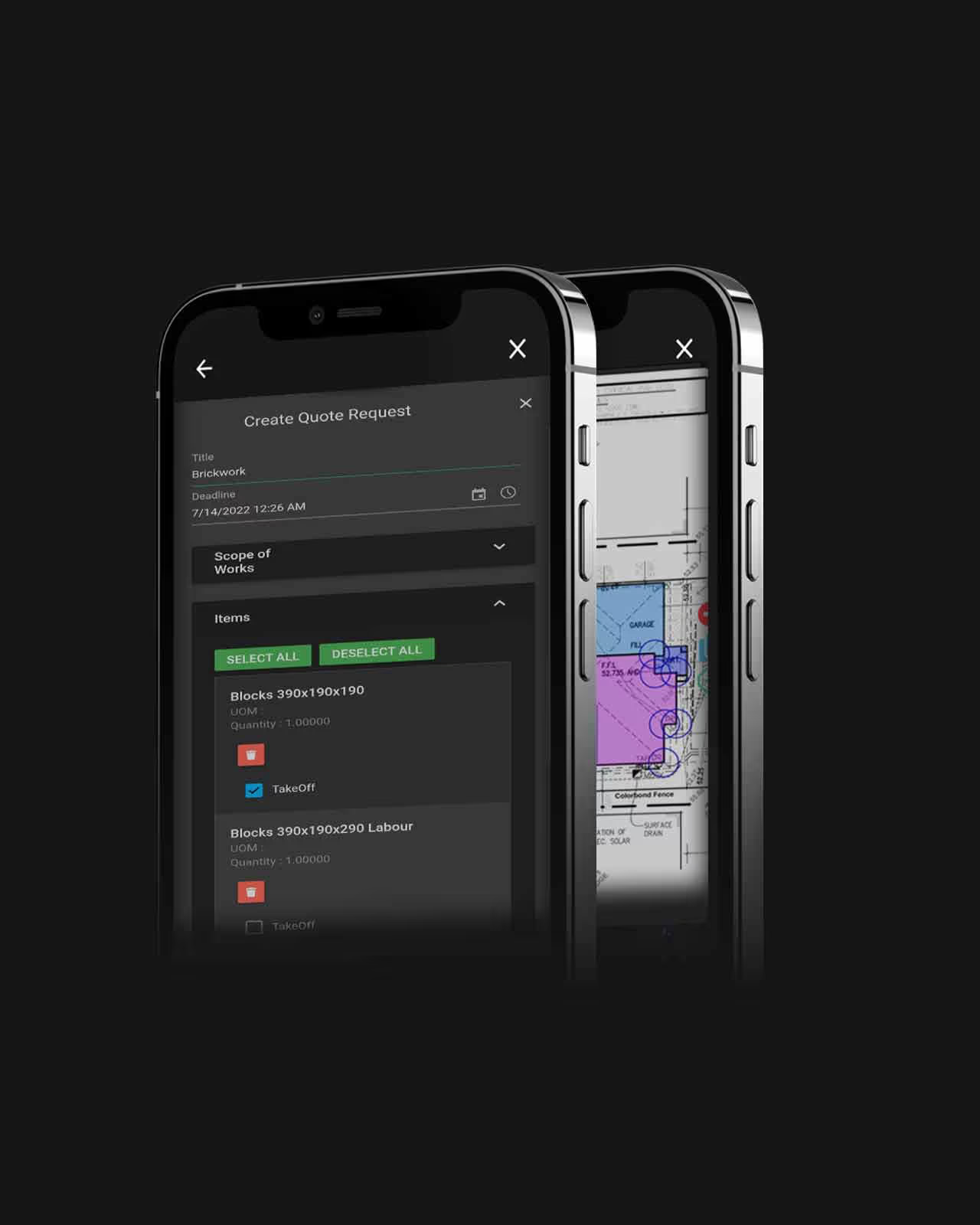
Contractor quote requests


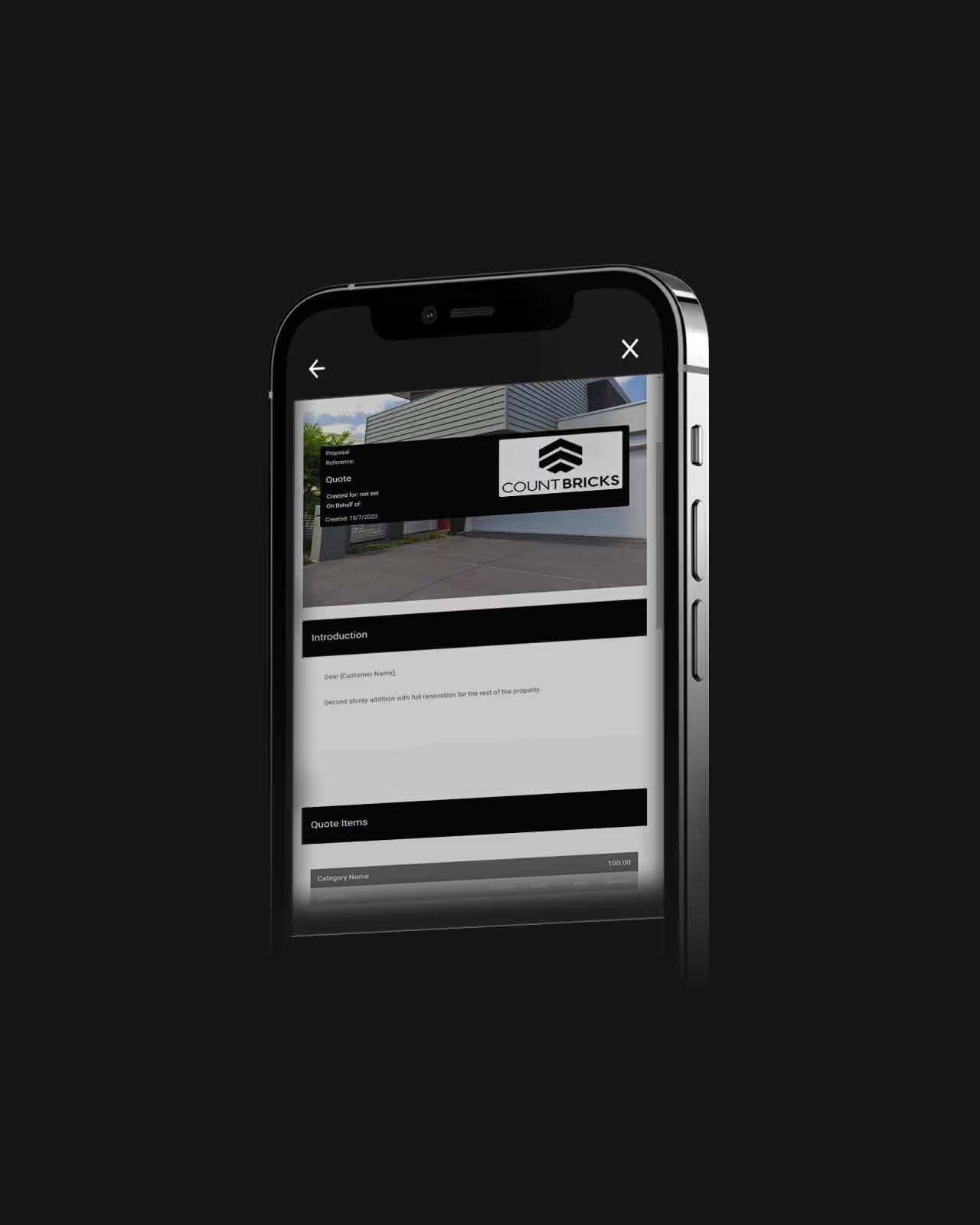
Client-ready quotes and proposals


Reviewable AI estimates

Review before sharing
Adjust quantities, costs, and descriptions in the estimate.
Multiple ways to start
Describe the job, use voice input, or upload project information.
Web and mobile workflows
Continue estimate and takeoff work from the office or jobsite.

How AI Estimating Works

  • Describe or upload: Enter the project scope by typing, voice, or uploaded information.
  • Build a draft: Use the AI-assisted workflow to organise estimate categories, items, quantities, costs, and tasks for review.
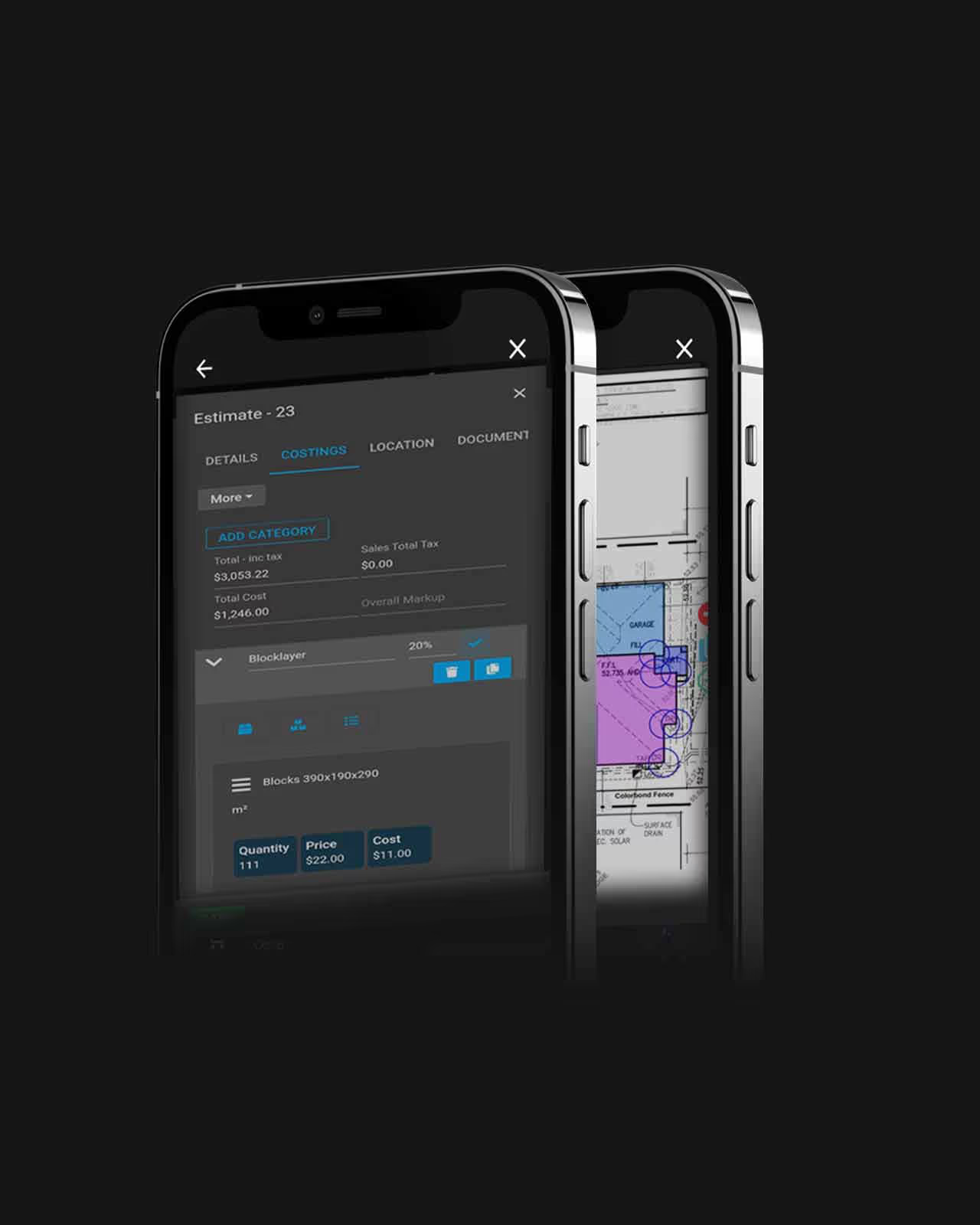
  • Review the estimate: Check descriptions, quantities, costs, labour, tax, markup, and local pricing before sharing.
  • Refine and share: Edit line items, use takeoff tools where needed, then prepare a quote, proposal, or invoice.

What Happens After the 7 Days?

  • Review paid options: Open the subscription area in CountBricks to compare the monthly and annual choices available to your account.
  • Confirm users and billing: Checkout uses the selected billing period, price, and number of users before confirmation.
  • Complete checkout: Subscription access updates after the payment session is confirmed.
  • Manage billing later: Return to the subscription area or customer billing portal; Google subscriptions are managed in Google settings.

CountBricks Pricing

AI Construction Estimating Software Plans

Monthly

$30
$0

Per User

Yearly

$300

Per User

(Save 17%)

Enterprise

Call
Call

Per User

Measure Plans and Images

Use takeoff tools to count items and measure lengths or areas from plans and images, then review the results before applying quantities to an estimate.

GET STARTED

Voice-Driven Estimating

Describe a change by voice, such as adjusting dimensions or profit. Review the resulting quantity, pricing, or description changes in the estimate.

GET STARTED

Adapt Estimates to the Trade

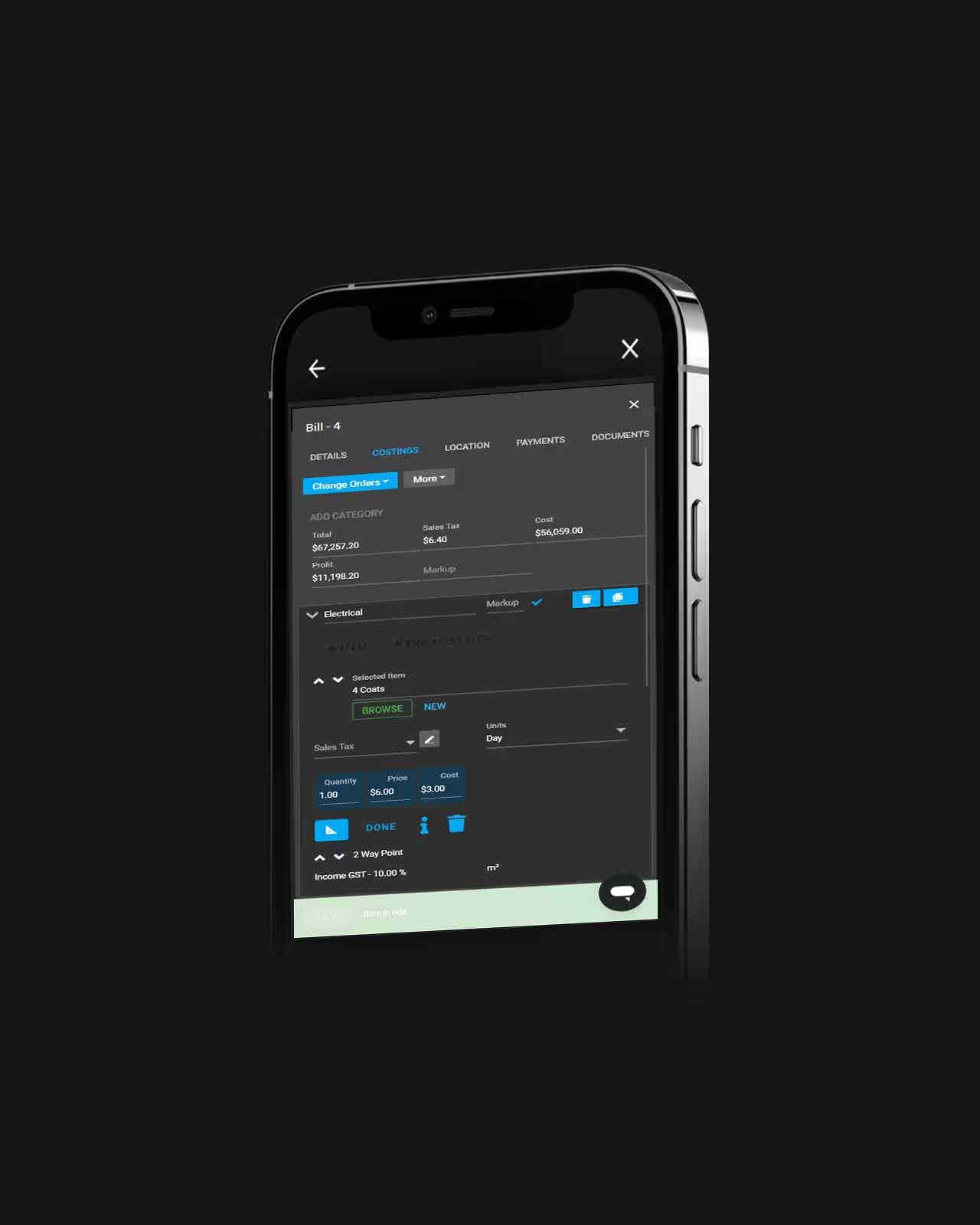
Build estimates for different scopes using your own item data, labour, markups, tax settings, and local material searches.

GET STARTED

From Estimate to Client Document

Review the estimate, apply markups, tax, and payment terms, then prepare a branded quote, proposal, or invoice for the client.

GET STARTED
Invoicing screensTrade RequestsScreen showing quoteTakeoffs screen