stars

“Really easy to create a great looking proposal”

stars

“Much faster than we were expecting“

stars

“Helped us to provide a professional service, thank you CountBricks.com“

Construction Quoting Software for Branded, Client-Ready Proposals

Turn an approved estimate into a branded quote without re-entering scope, prices, or terms. Add your logo, colours, background, and the level of line-item detail you want clients to see, then send it by email or secure link.

See full pricing

How It Works

  •  Start from an estimate: Select the estimate you want to present so scope, prices, and terms carry into the quote.
  •  Apply your brand: Add or generate a logo, choose colours and fonts, set a background, and select which columns or pricing details are visible.
  •  Send and track: Share by email or secure link, then monitor when the client opens or accepts the quote.

FAQ

  • Q  Can I save more than one quote design?
    A  Yes. Create, name, save, select, and reuse multiple quote templates.
  • Q  What image formats can I use in the quote designer?
    A  Use JPG or PNG for uploaded logos and cover or back-page imagery. Logo uploads are limited to 3 MB.
  • Q  Can CountBricks create a logo for me?
    A  Yes. Generate a logo with AI using your company information, keywords, and preferred colour, or upload your own.
  • Q  Can clients approve and sign quotes online?
    A  Yes. Clients can agree to the terms, add an electronic signature, approve, or decline. CountBricks records the document status and acceptance date.

Send a professional quote clients can review and accept

Build My First Quote

Quote Design

Design quotes to fit your brand

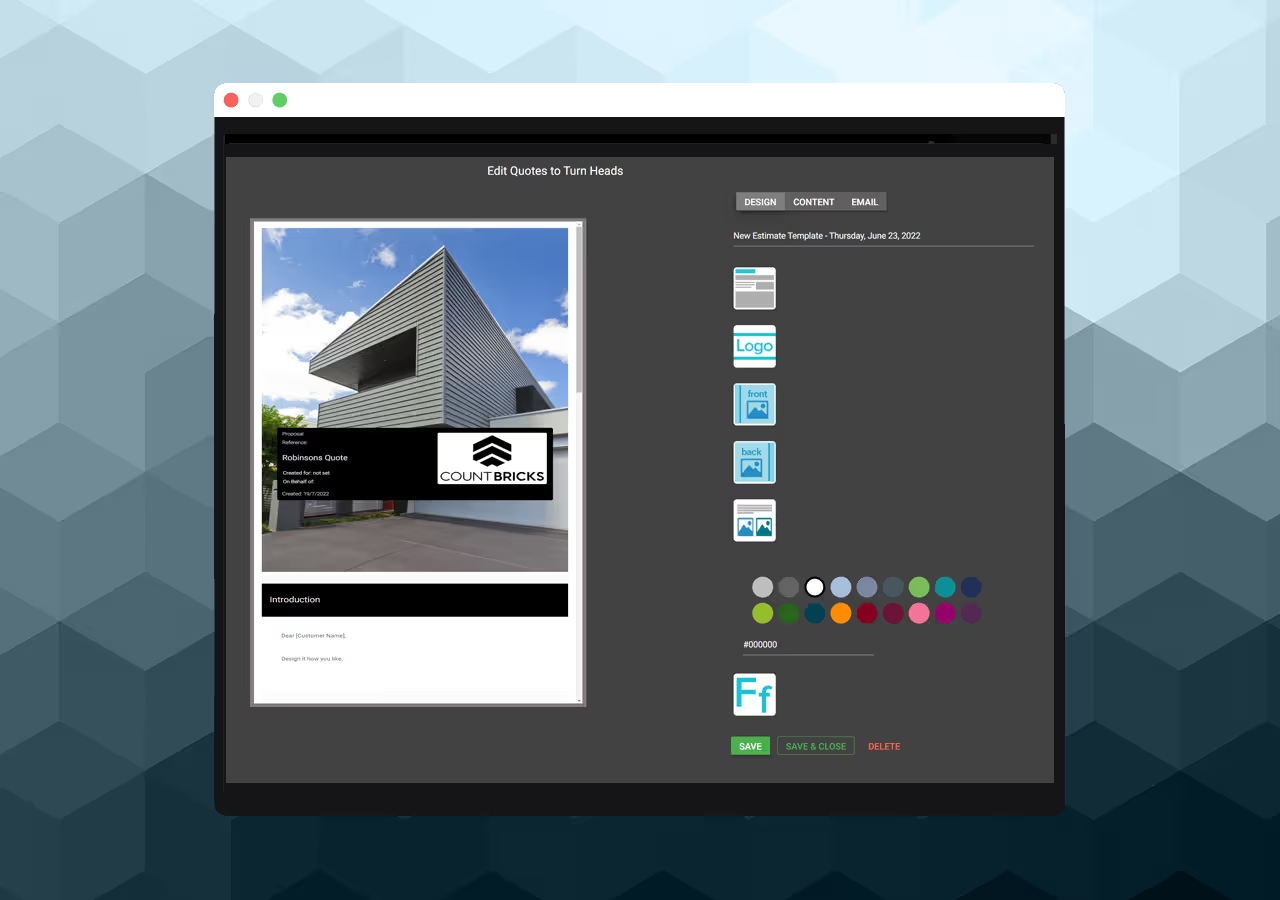
Create and reuse multiple quote templates for different clients or trades. Set colours, choose from supported fonts and sizes, resize your logo, and add cover or back-page imagery without rebuilding the document each time.

Screen showing quote design

One-Tap Conversion

Efficient Quoting Process

Choose an estimate and create a quote with its scope, prices, terms, quantities, and line-item detail already connected. After approval, create an invoice from the same underlying job data instead of re-entering totals and line items.

Screen showing proposal design

AI or Upload Logo

Generate or upload your logo

Generate a company logo with AI, or upload a JPG or PNG logo up to 3 MB.

Adjust colours, fonts, font sizes, logo scale, and cover or back-page imagery, then save the result as a reusable template.

Screen showing proposal design

Show What Matters

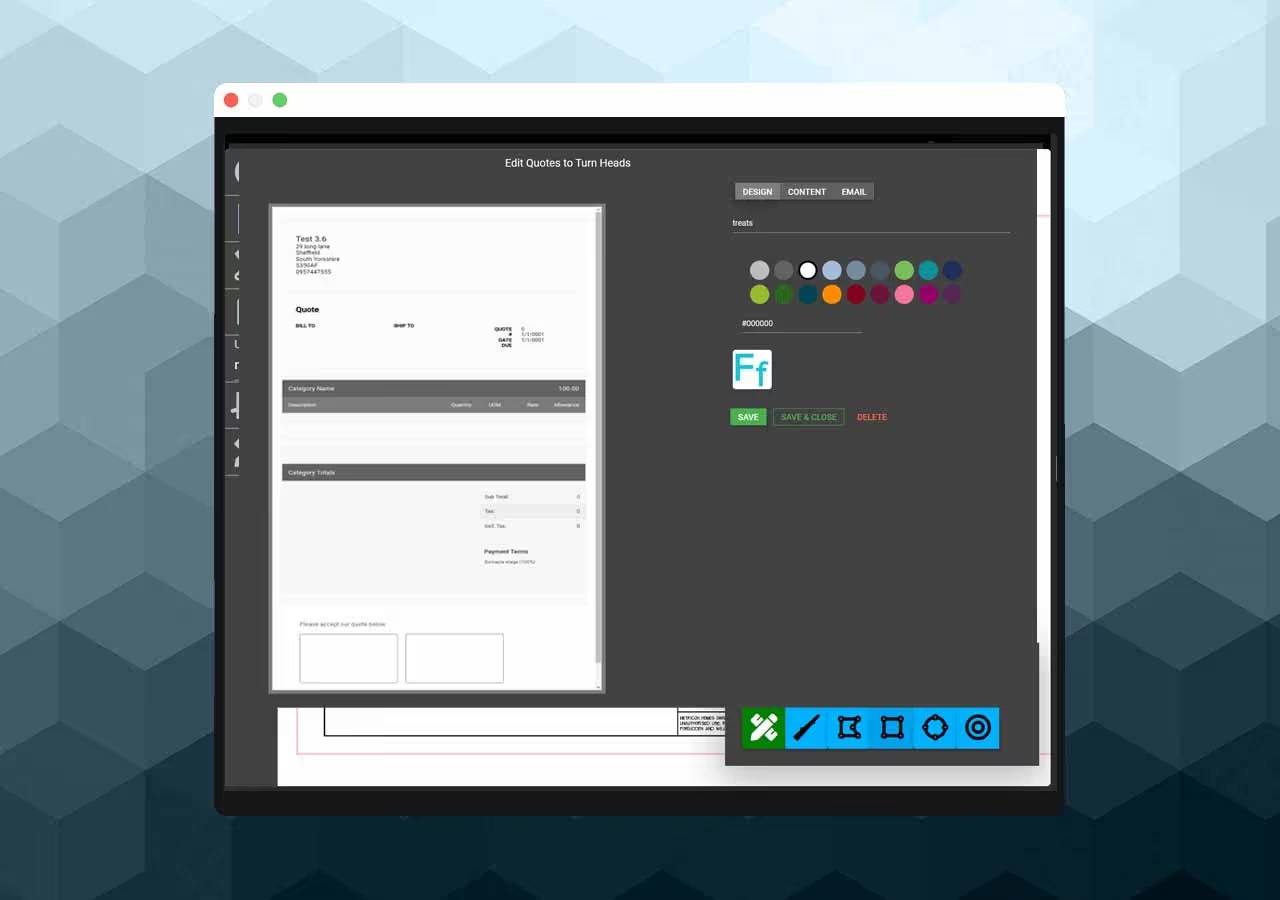
Control the detail clients see

Choose whether to show line items, category totals, item codes, descriptions, quantities, rates, units, provisional items, bundles, change orders, and payment schedules.

Screen showing proposal design

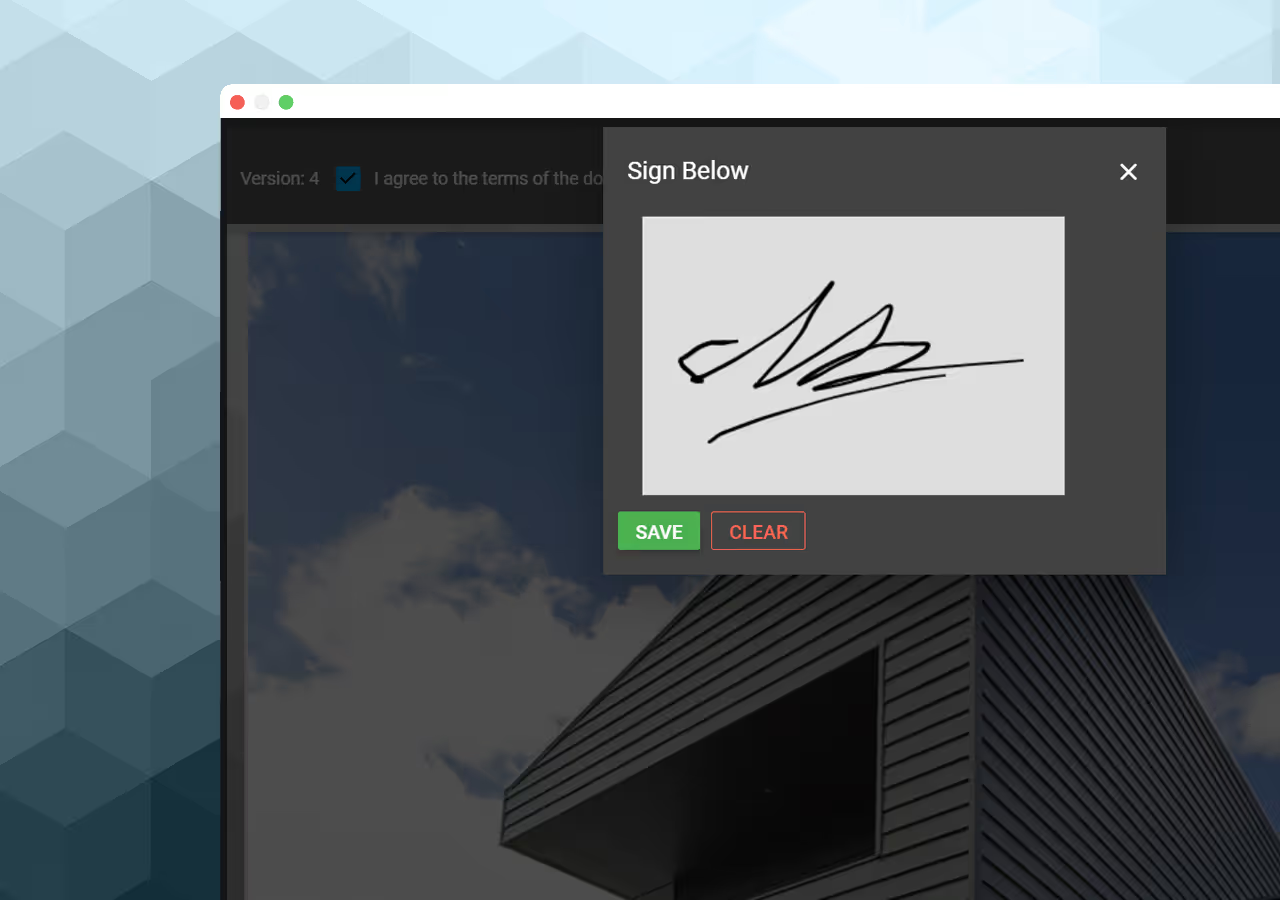
Signed

Send, review, and sign online

Email a quote as a PDF attachment or online document link. Clients can review, accept, decline, and add an electronic signature; CountBricks records viewed, approved, and declined status.

Signed quote