stars

The best estimating software available by a long stretch

stars

Incredible drag and drop takeoffs

stars

“Pure class”

AI Construction Estimating Software for Itemized, Editable Estimates

Describe the job by voice or text, or upload drawings. CountBricks organizes materials, tasks, quantities, labor, and local pricing adjustments into an itemized estimate you can review, edit, and turn into a client-ready quote.

See full pricing

From project scope to an estimate you can review

Manual estimating often means retyping scope, takeoff quantities, labor, and pricing across multiple spreadsheets. CountBricks brings those steps together: start with a scope or drawing, review the generated line items, adjust quantities or pricing, and keep the estimate connected to the quote and invoice workflow.

How AI Estimating Works

  • Describe or upload the job: Speak or type the scope, or upload drawings and plan information.
  • Build the estimate structure: CountBricks organizes tasks, materials, quantities, and labor into editable line items.
  • Review pricing and totals: Check material and labor costs, apply local pricing adjustments, and confirm assumptions before sharing.
  • Refine and reuse: Edit lines, add extras, remeasure where needed, save repeated items as bundles, and move the approved estimate into a quote or invoice.

Key Benefits

  • Itemized for review: See tasks, materials, quantities, labor, and pricing before the estimate leaves your business.
  • Faster revisions: Change line items, extras, quantities, or pricing without rebuilding the estimate from scratch.
  • Location-aware pricing: Apply regional material and labor adjustments, then review the values against the way you price work.
  • Practical control: Start with guided inputs, then retain control of line items, quantities, costs, and client-facing output.
Try it for free

AI Estimates

Build reviewable estimates from scope and project inputs

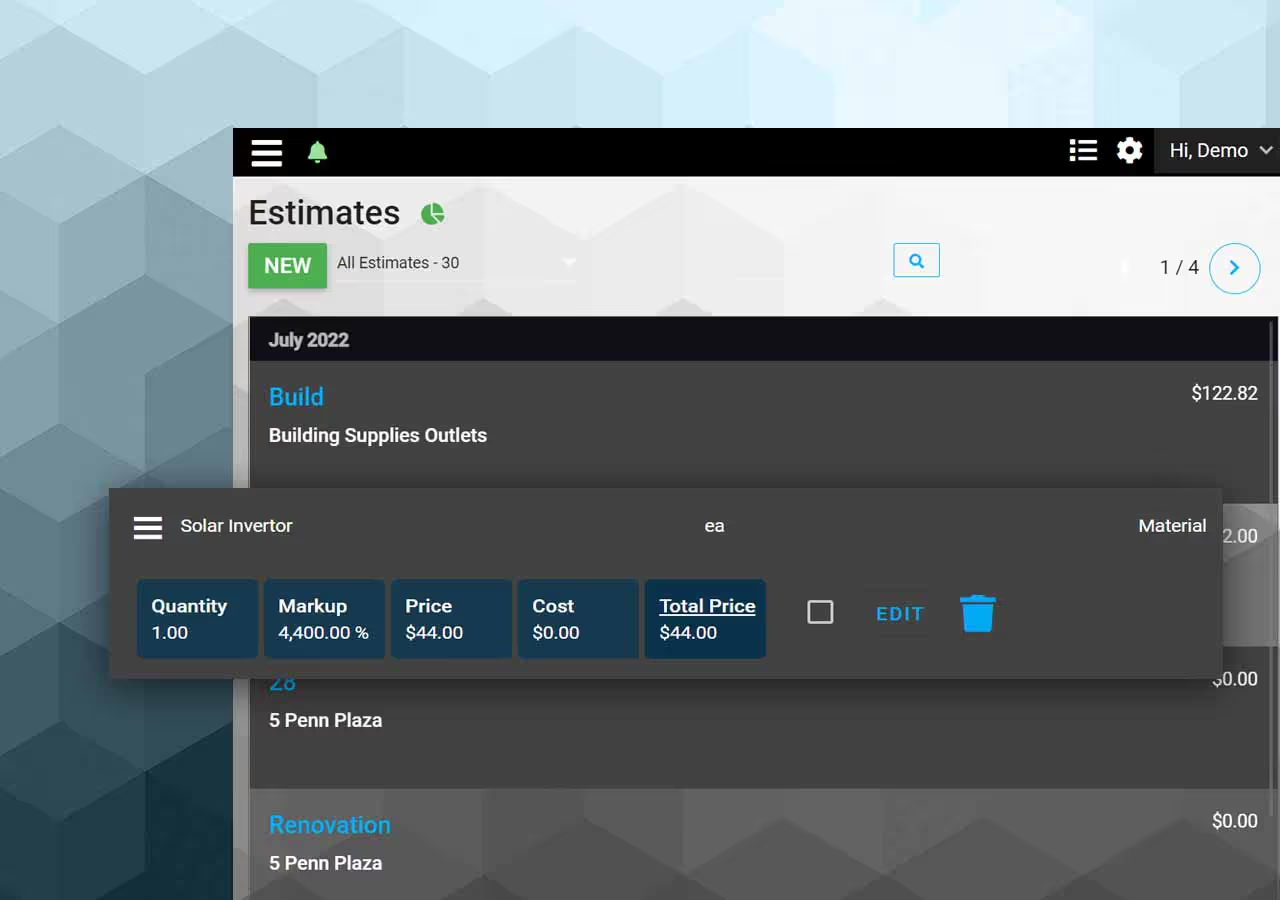
Use typed or voice-assisted scope, drawings, quantities, materials, labour, configured costs, tax, and markup to draft estimates that your team can review and edit before sharing.

Screen showing estimates

Estimate Pricing Controls

Review costs before quoting

Use CountBricks to organize material and labour costs, apply regional pricing adjustments, and review estimate totals before preparing a client quote. Web and mobile workflows help keep scope, quantities, pricing, and client documents connected.

A pricing screen

Prepare Quotes From Approved Estimates

Share client-ready pricing

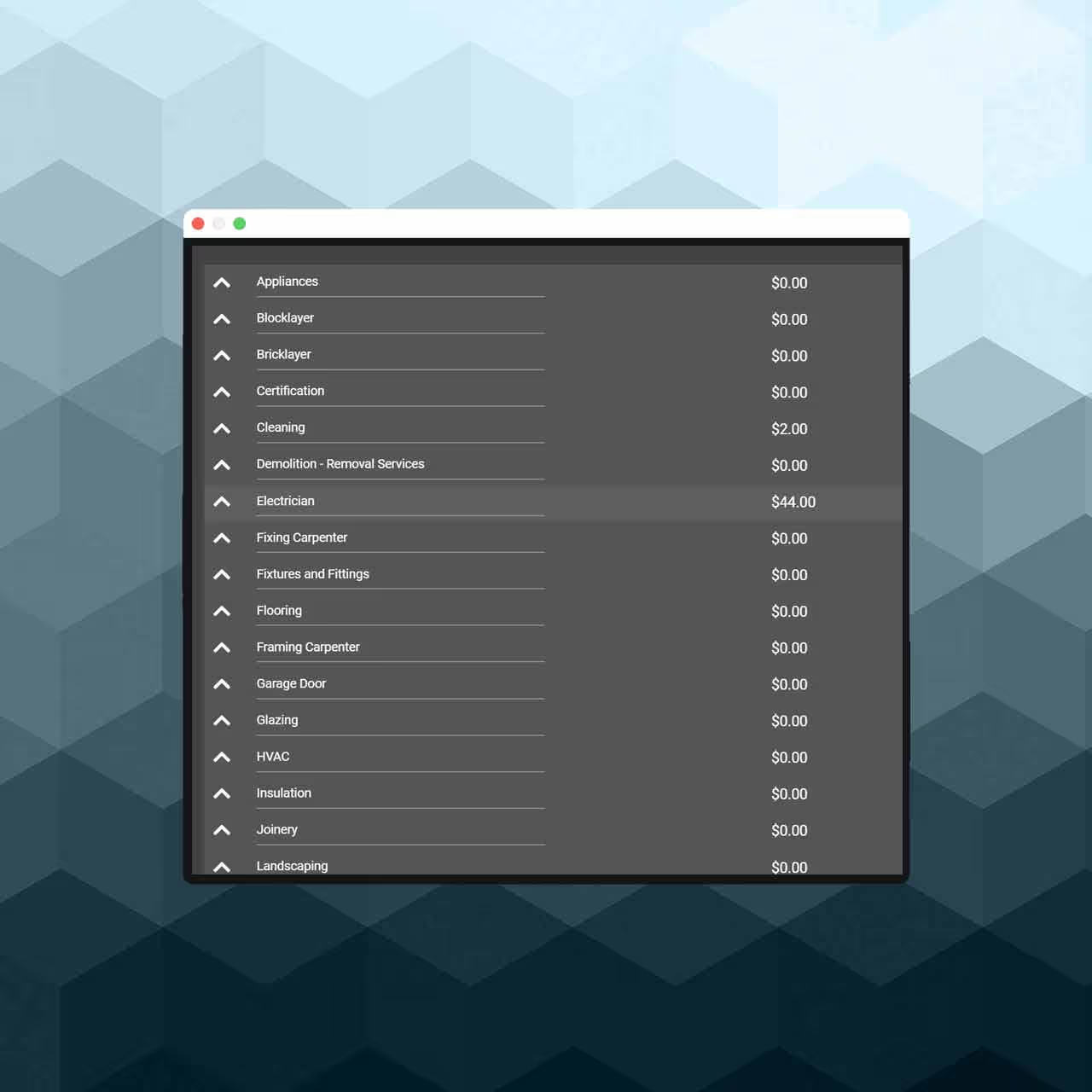
Use reviewed estimate lines and takeoff quantities to prepare client-facing quotes and project documents. Keep scope, pricing assumptions, and revisions connected instead of retyping work across spreadsheets.

Screen showing categories

Item Bundles

Create personalised collections

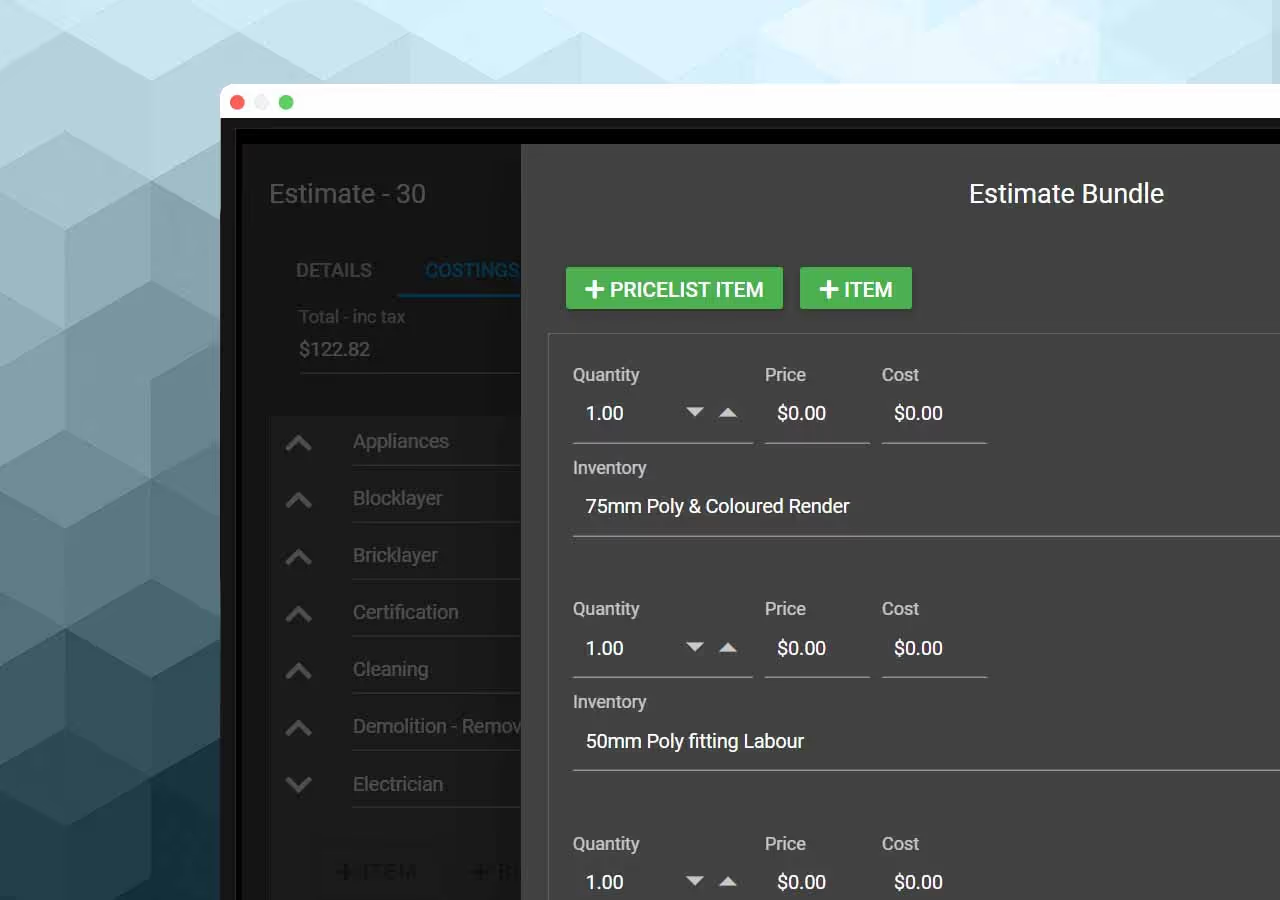
Create reusable item bundles for repeated scopes, assemblies, and materials. Review quantities, labour, costs, tax, and markup before adding them to estimates or client documents.

Screen showing bundles