

Construction Cost Codes for Residential Projects

Profile image of author
James Miller
Head of Sales

Understanding Construction Cost Codes for Residential Projects

Construction cost codes are essential for managing project expenses efficiently. They provide a standardized numeric system to categorize tasks, materials, and labor, ensuring clear communication across all stakeholders. For instance, the cost for installing windows can range from $650-$1200 per opening, depending on specifications and materials. Utilizing these codes helps in tracking costs accurately and avoiding budget overruns.

What Are Construction Cost Codes?

Cost codes are predefined numbers that represent specific tasks or cost categories. For example, 030510 might refer to poured-in-place footings, while 061200 could denote rough carpentry. These codes streamline communication and data flow across estimating, purchasing, and financial reporting.

Key Benefits for Trade Professionals

Construction professionals searching for 'construction cost codes' aim to achieve:

  • Faster, more accurate estimates
  • Real-time budget tracking
  • Efficient project closeouts

By integrating cost codes into your workflow, you can enhance project efficiency and profitability.

Building a Comprehensive Code Library

Step-by-Step Guide

1. Start with a template tailored to your project type.

2. Import a pre-built cost code list or upload your own.

3. Use AI tools to convert project scope into line items with appropriate codes.

4. Adjust material counts and labor factors as needed.

5. Lock in your budget to ensure consistent tracking.

Typical Cost Code Structure

  • 010000 – General Conditions
  • 020000 – Sitework
  • 030000 – Concrete
  • 040000 – Masonry
  • 050000 – Metals
  • 060000 – Wood & Plastics
  • 070000 – Thermal & Moisture
  • 080000 – Openings
  • 090000 – Finishes
  • 100000 – Specialties
  • 150000 – Mechanical
  • 160000 – Electrical

Expand divisions into sub-codes for detailed tracking.

Maximizing Profit with Cost Codes

  • Labor Tracking: Monitor crew hours against codes to prevent overtime.
  • Material Management: Auto-code invoices to track material usage.
  • Change Orders: Use unique codes for extra work to maintain budget clarity.

Pro Tips for Effective Code Use

  • Maintain consistent code granularity.
  • Use even numbers for allowances.
  • Tag codes with CSI division and cost type.
  • Archive inactive codes annually.
  • Use benchmarks to set realistic costs.

Case Study: Efficient Cost Management

A builder used cost codes to manage a 2,800-sq-ft project, achieving a 14.6% profit margin by monitoring and adjusting costs in real-time.

Common Mistakes to Avoid

  • Overloading projects with unnecessary codes.
  • Using miscellaneous codes that obscure data.
  • Neglecting subcontractor training.

Integrating Codes with Accounting Systems

Export cost data to accounting software seamlessly, maintaining numeric consistency for efficient financial management.

Future-Proofing Your Code Library

Adapt to new construction trends by tagging emerging scopes as experimental codes, converting them to standard divisions as needed.
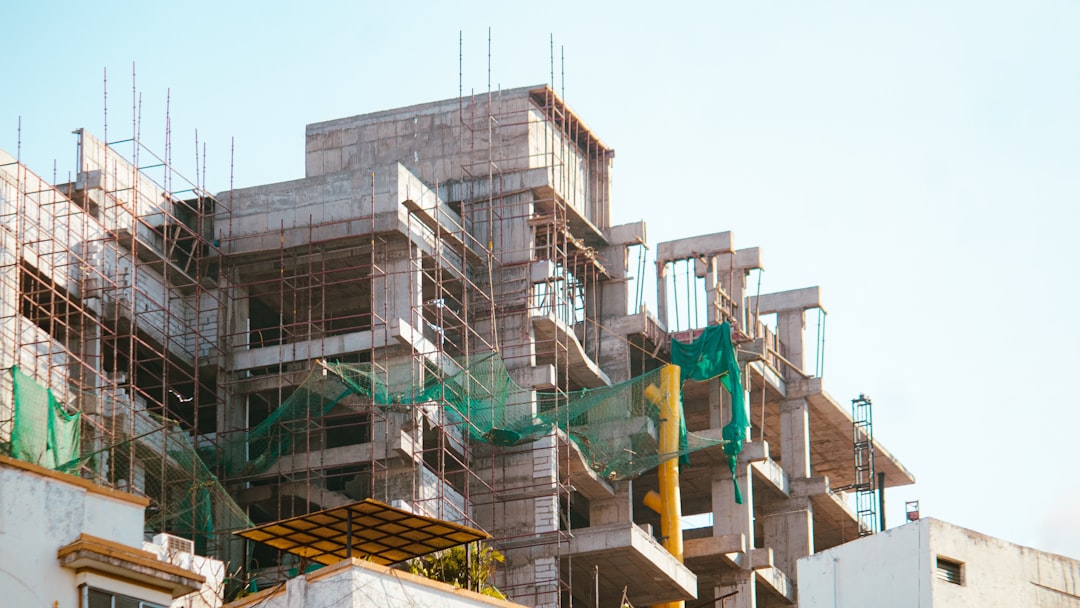
Our AI app can generate costed estimates in seconds.

CountBricks construction cost codes for residential builds

Leveraging Cost Codes for Predictive Analytics

Standardized construction cost codes enable predictive insights that spreadsheets cannot provide.

Early-Warning Systems

  • Monitor timecards and invoices to project final costs.

Benchmarking and Comparison

  • Compare costs against regional medians to refine future bids.

Cash-Flow Management

  • Map codes to schedule activities for accurate cash projections.

Enhancing Owner Transparency

Provide high-level code summaries to homeowners, building trust and speeding approvals.

Achieving Stronger Margins

By integrating field data with cost codes, project managers can make proactive decisions, enhancing efficiency and profitability.
