

For construction professionals, a detailed estimate letter is crucial for securing contracts. A well-crafted sample letter for estimate can significantly increase your bid conversion rates. Here are the key benefits:
CountBricks integrates live material pricing and regional labor rates into your estimate letters, creating a professional document in minutes. This tool allows you to dictate quantities directly from plans, ensuring accuracy and efficiency.
Address the client by name, express gratitude, and acknowledge their project goals. CountBricks auto-fills client details to ensure accuracy.
Outline the project scope in simple terms, referencing drawings or instructions. CountBricks AI dynamically inserts scope details from your takeoff.
Link payment draws to visible milestones, reinforcing progress-based billing.
List exclusions to protect margins and facilitate smooth change orders.
Include digital signature fields for easy client approval.
Use this sample letter for estimate template to streamline your process:
[Company Logo]
[Date]
[Client Name & Address]
Dear [Client Name],
Thank you for considering us for your framing and drywall project at [Project Address]. Based on our analysis, we propose the following:
Scope of Work
Investment
Total: $32,920.00
Materials: $17,250.00 Labor: $14,340.00 Allowances: $1,333.00
Schedule
Exclusions
We look forward to working with you. Please sign below or approve digitally via the CountBricks portal.
Sincerely,
[Your Name] Project Manager CountBricks Construction
1. Select the “Residential Framing & Drywall” template.
2. Use voice commands to adjust quantities.
3. Generate the letter, merging client data and pricing.
4. Send directly from the app for client e-signature.
Construction professionals using CountBricks convert quotes faster. Generate your sample letter for estimate today and see why it's trusted by crews nationwide.
Visit CountBricks.com for more information.
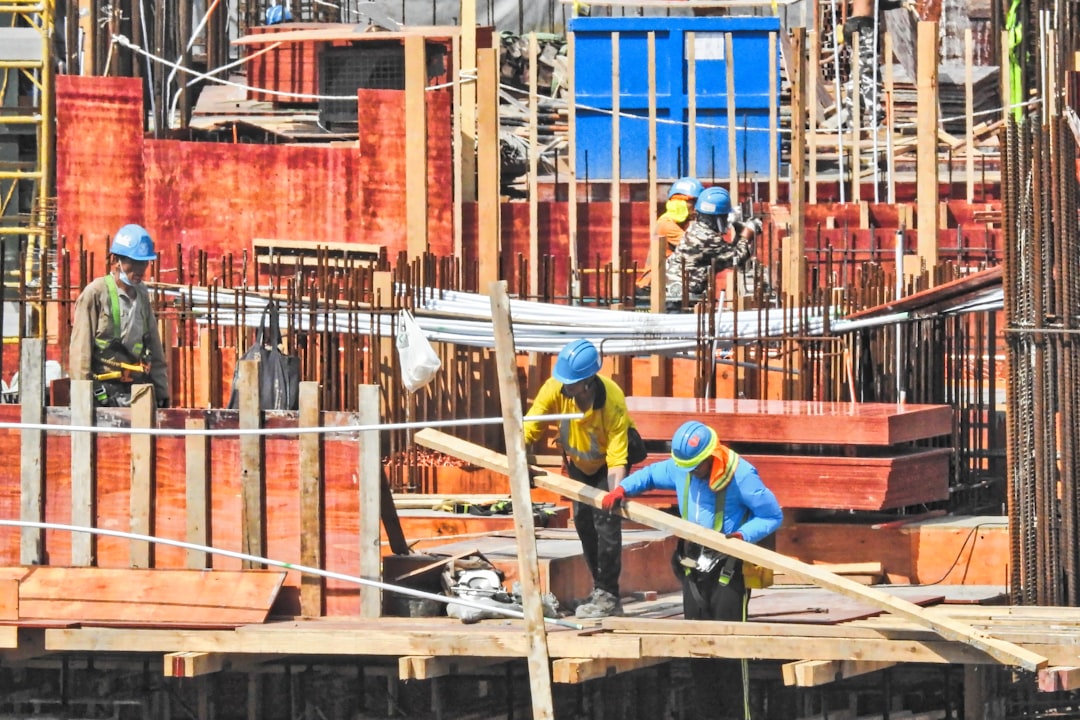
Westside Trim & Finish, a carpentry business, transformed their estimating process with CountBricks. Owner Luis Ortega used the platform to dictate dimensions for a 2,400 sq ft addition, generating a complete estimate in under 10 minutes.
1. Import your logo and license details once for future use.
2. Record quantities in the field; let AI handle conversions and pricing.
3. Use the “Standard Residential Letter” template to generate your PDF.
Experience the workflow with a demo at CountBricks.com.
